
Dell Precision 7750 Ubuntu 24.04.2 Install Log
Note: Not all steps were listed or photographed. The log was prepared as a record that we decided to share in case other people find it useful.
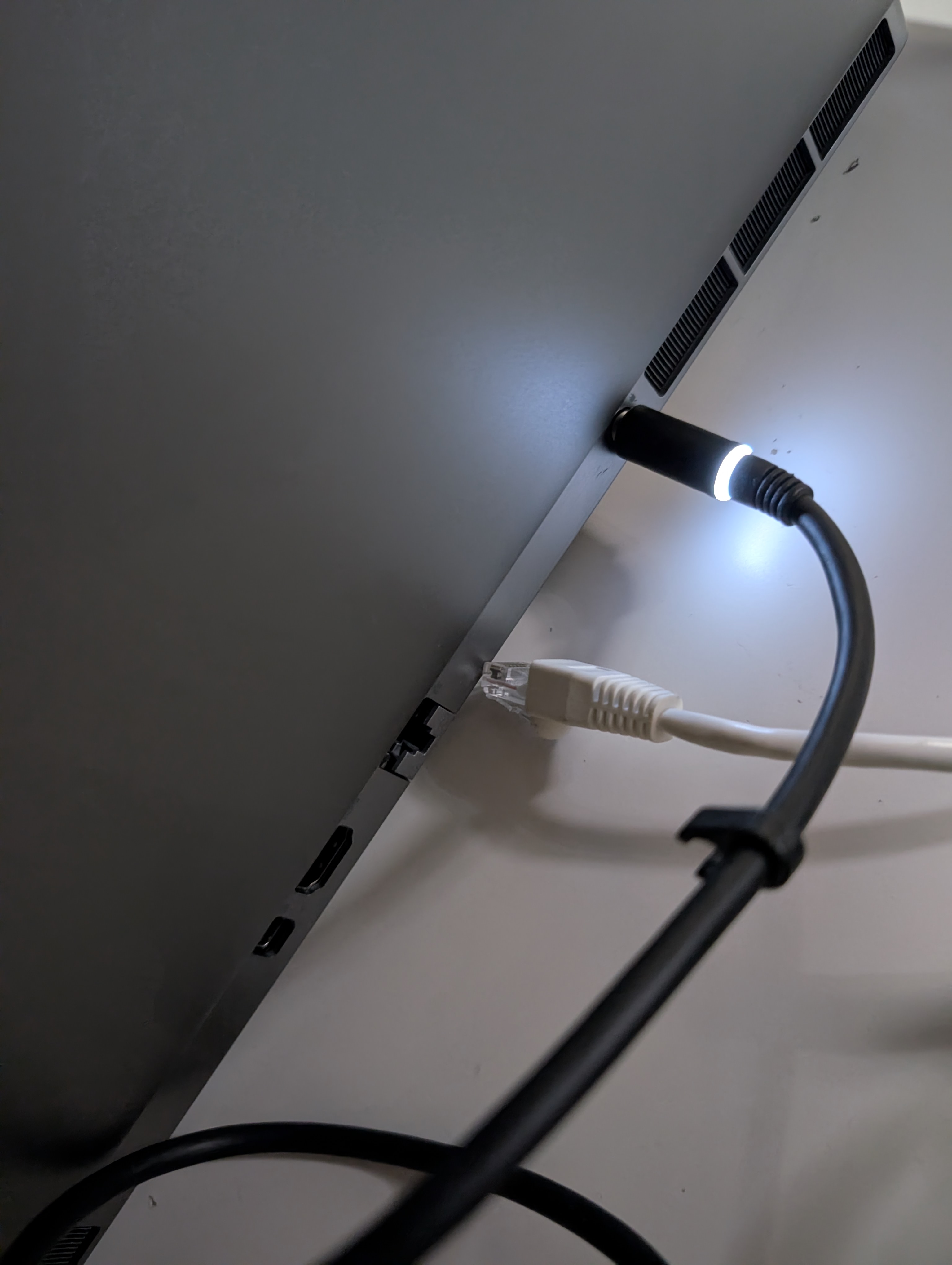
- Disconnected the network:
-
Inserted a USB key with the Ubuntu 24.04.2 installer from https://old-releases.ubuntu.com/releases/24.04.2/ubuntu-24.04.2-desktop-amd64.iso.
-
Cached installer:
-
Cached installer installer support files:
ubuntu-24.04.2-desktop-amd64.iso.torrent ubuntu-24.04.2-desktop-amd64.iso.zsync ubuntu-24.04.2-desktop-amd64.list ubuntu-24.04.2-desktop-amd64.manifest
-
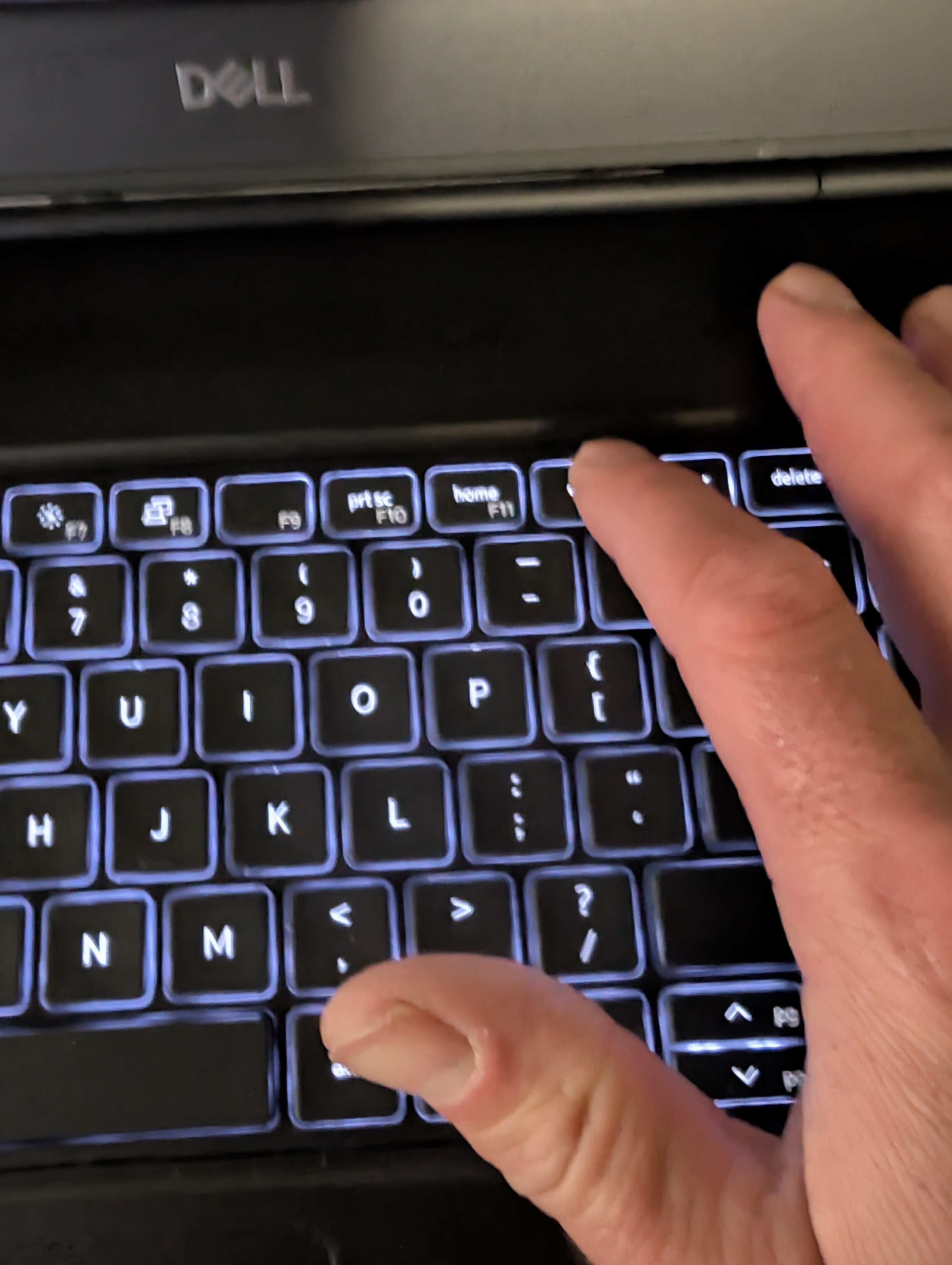
Booted and pressed
F12to enter BIOS and boot from USB install key.
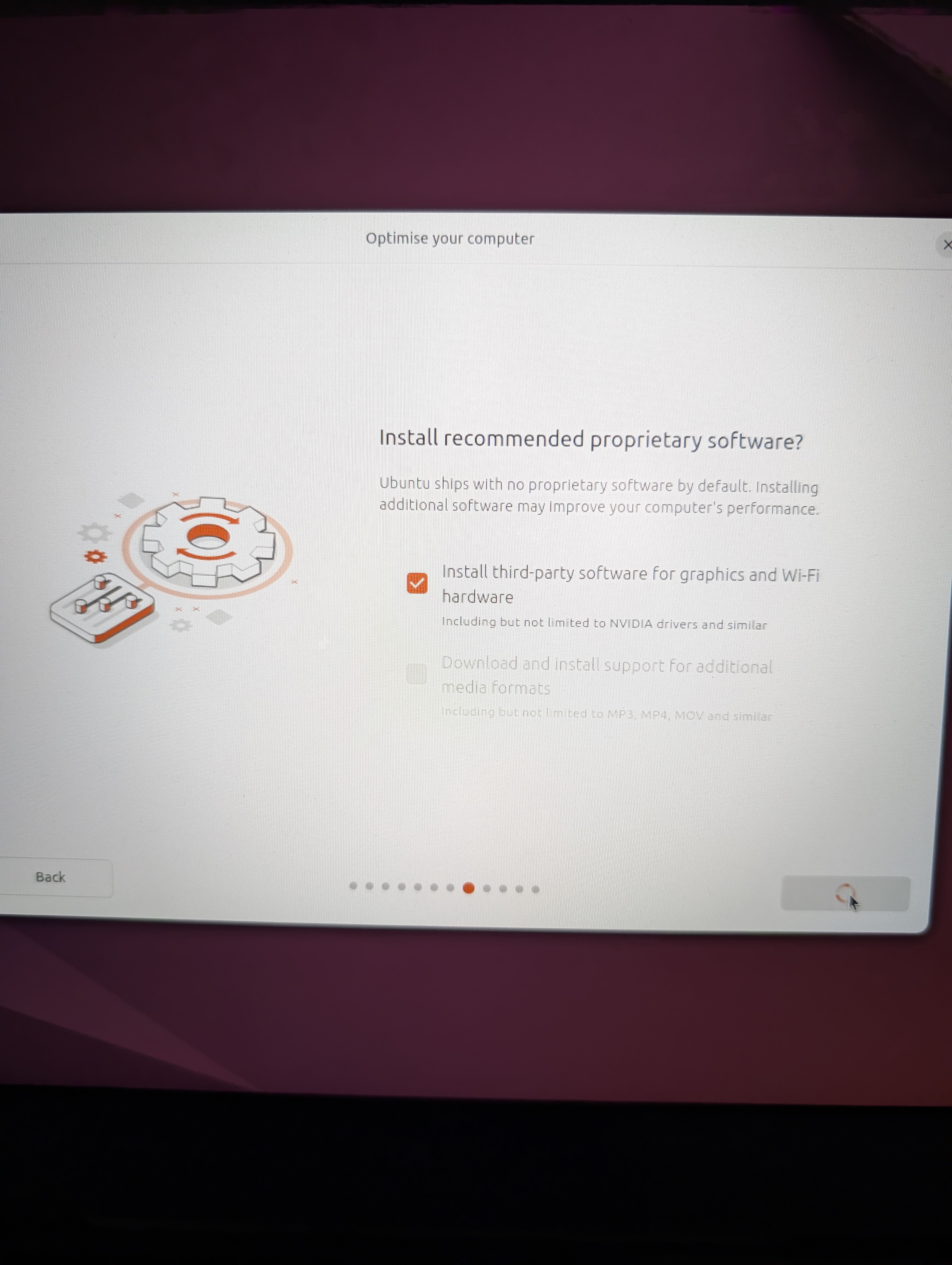
- Selected third-party software install:
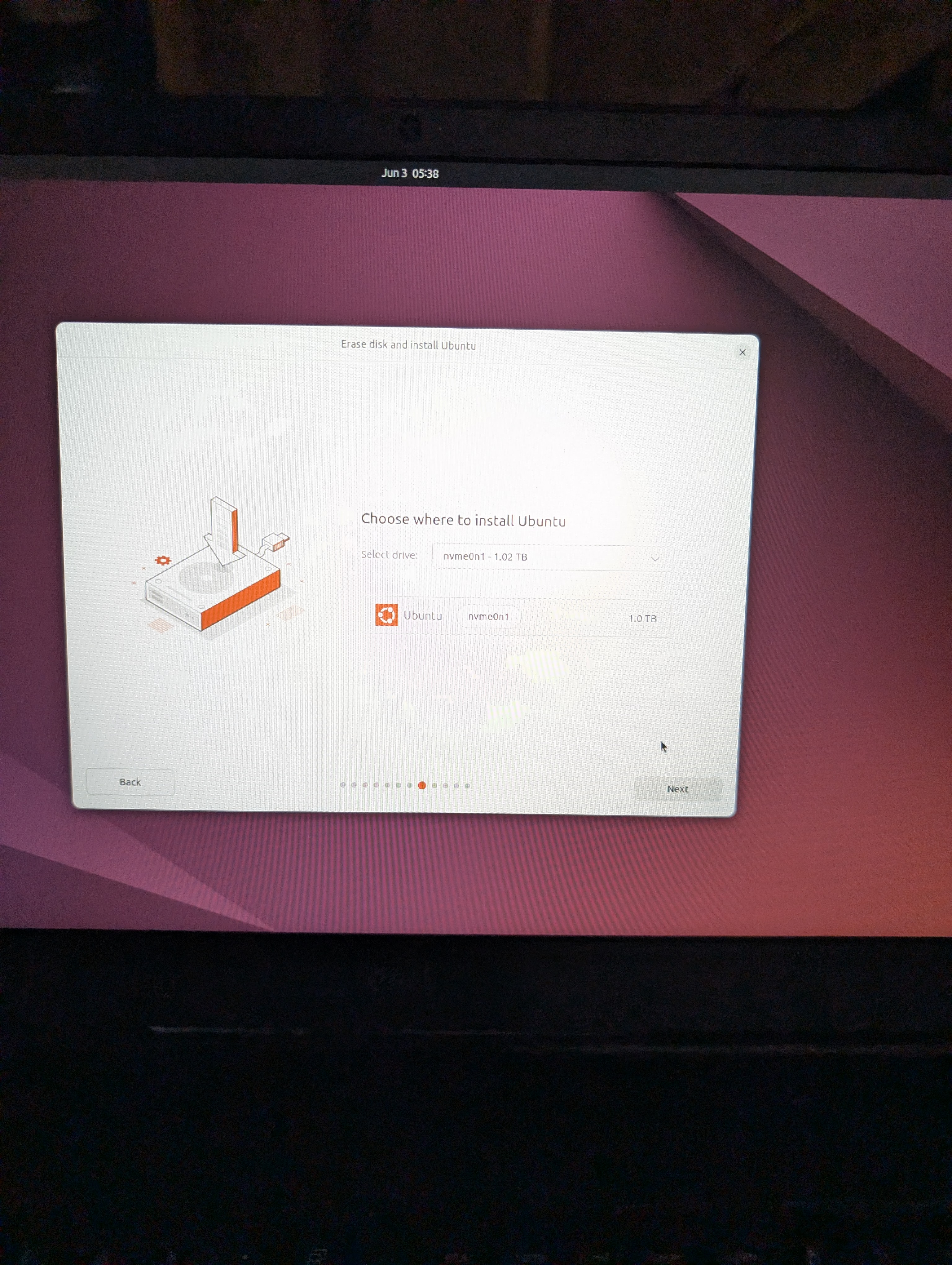
- Choose where to install:
- Reviewed choices:
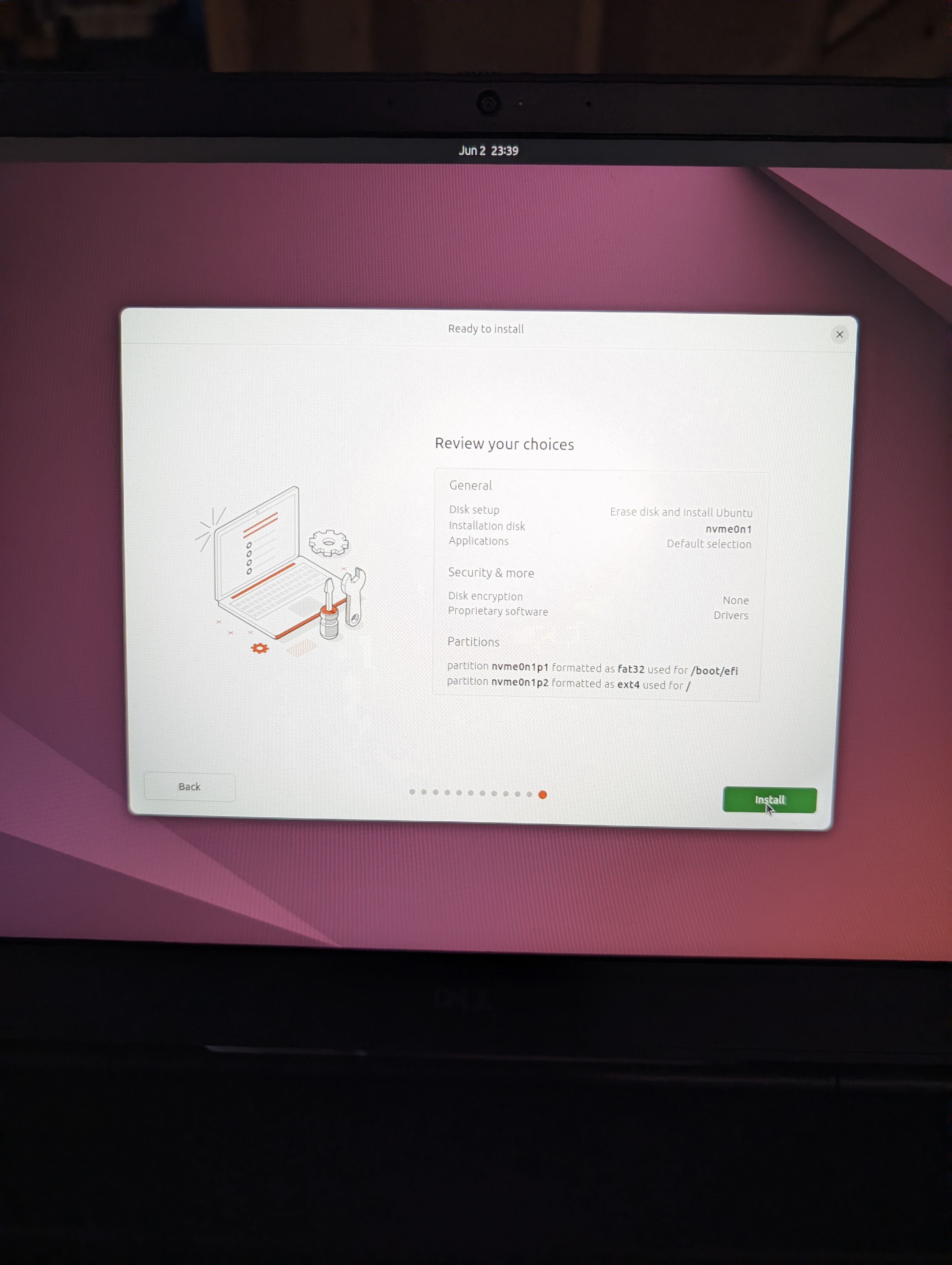
- Clicked through to the ready-to-use screen:
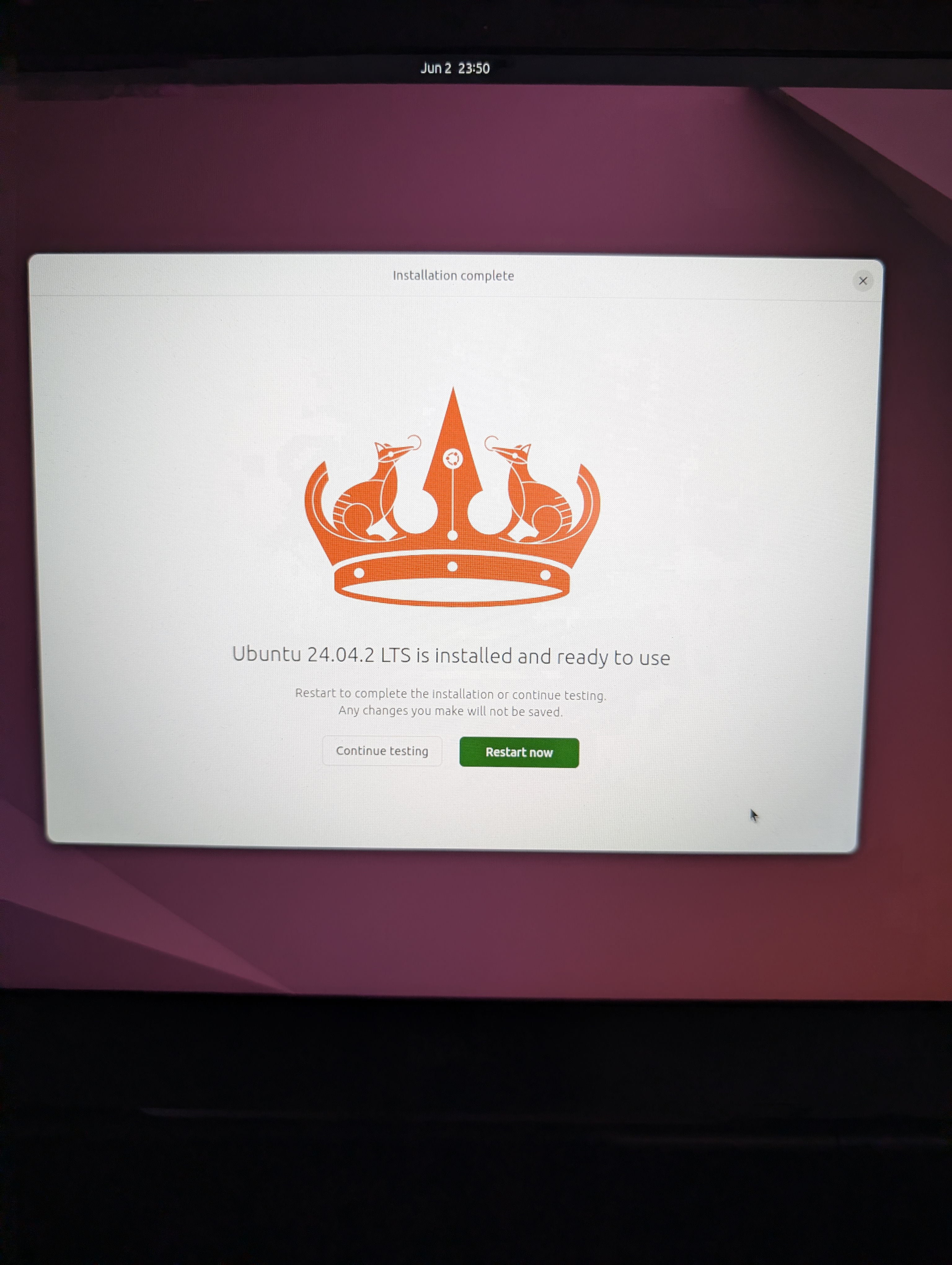
-
Rebooted with the USB installer key still in.
-
Selected Ubuntu:
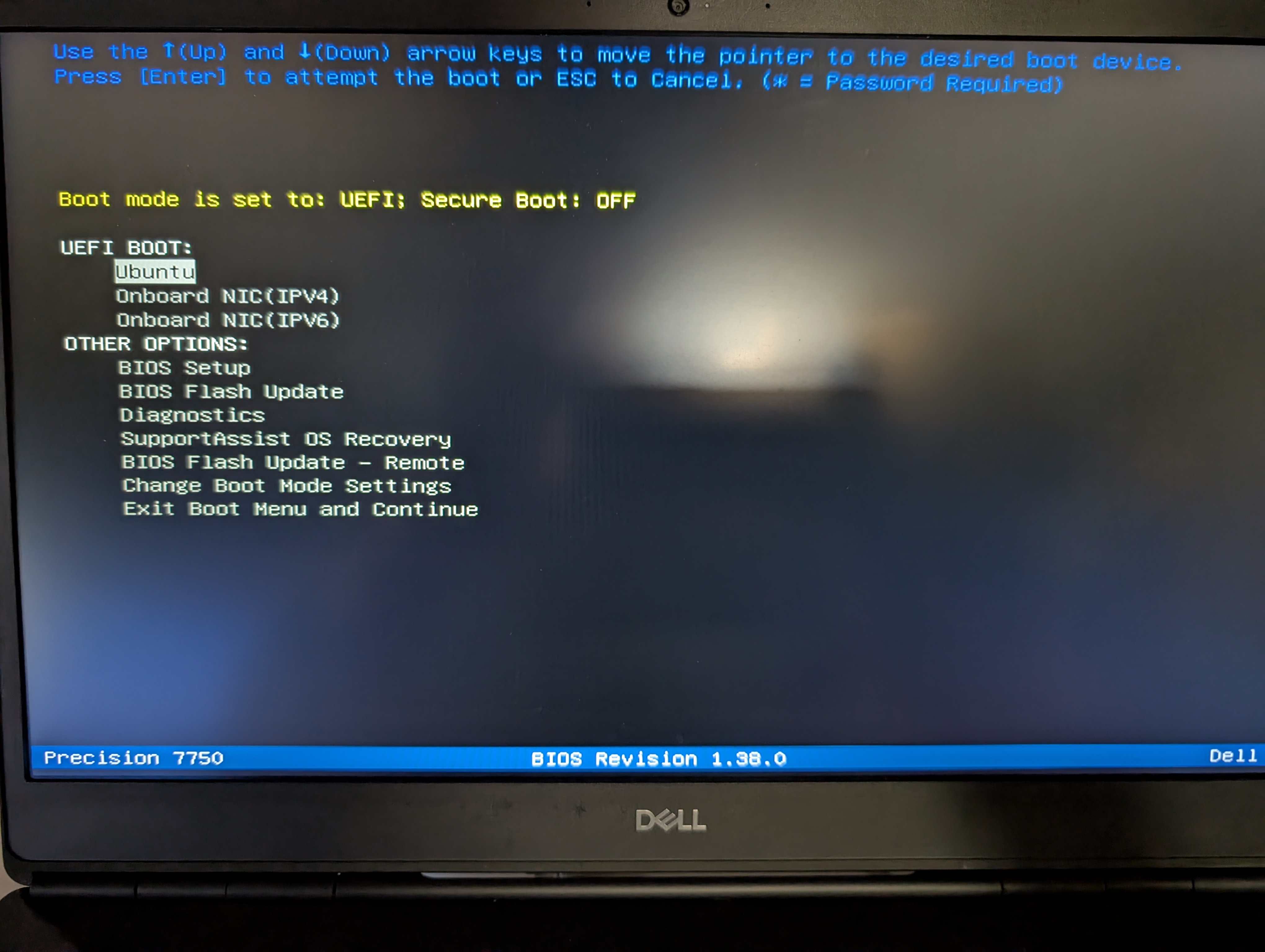
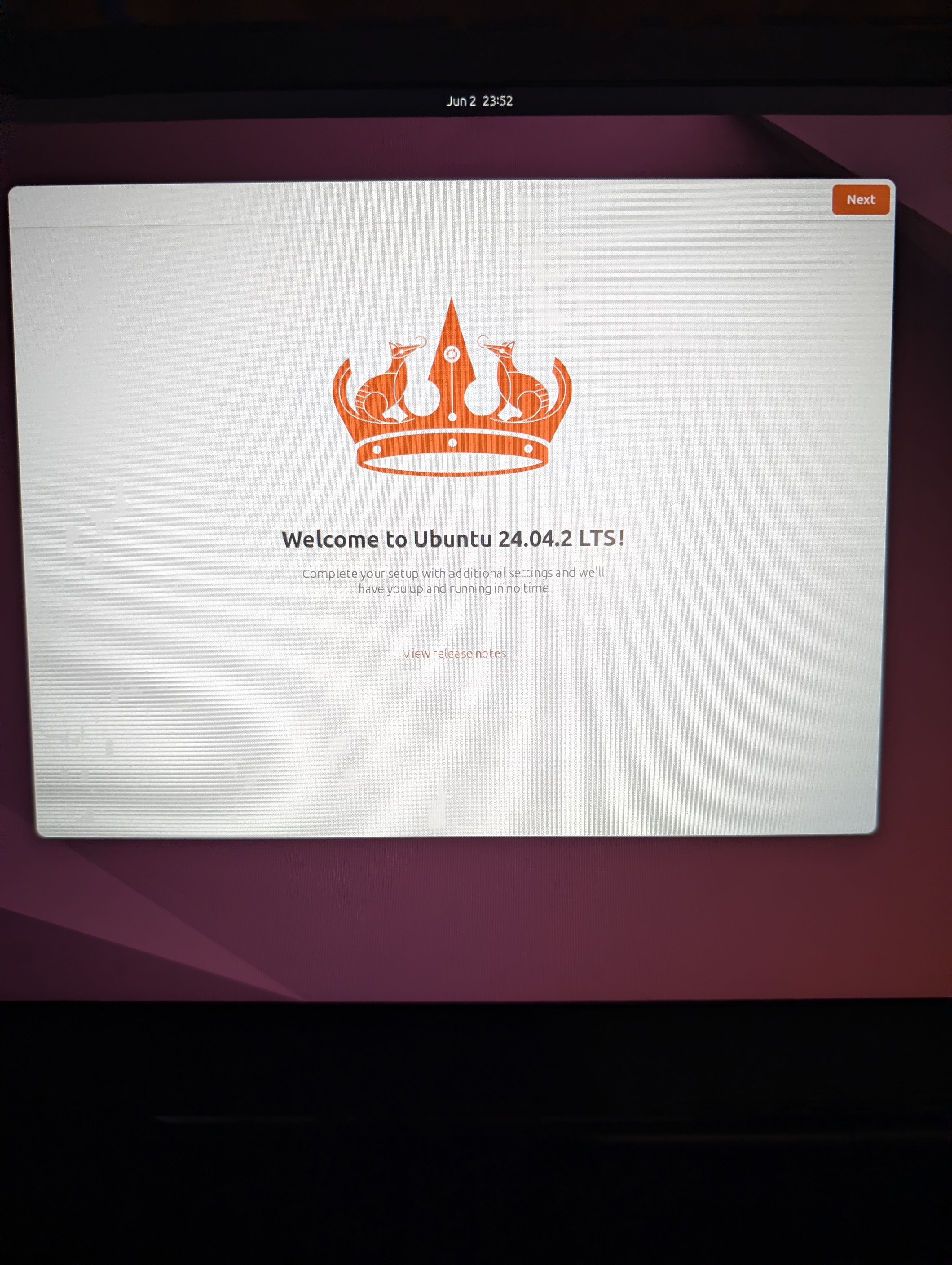
- Saw the boot screen:
Dell Precision 7750 Specs:
- Intel Core Processor i9-10885H (8 Core, 16MB Cache, 2.40 GHz to 5.30 GHz, 45W,vPro)
- 64GB, 2X32GB,DDR4 2933Mhz Non-ECC Memory
- NVIDIA Quadro RTX 5000 w/16GB GDDR6
- Intel(R) Wi-Fi 6 2x2 (Gig+) and Bluetooth 5.1
- Intel AX201 2x2 + Bluetooth 5.1 Driver
- M.2 1TB PCIe NVMe Class 40 Solid State Drive
- 17.3-inch, FHD, 1920 x 1080, 60 Hz, Anti-Glare, Non Touchscreen, 45% NTSC, 220 Nits, WVA
- 6 Cell 95Whr ExpressCharge Capable Battery