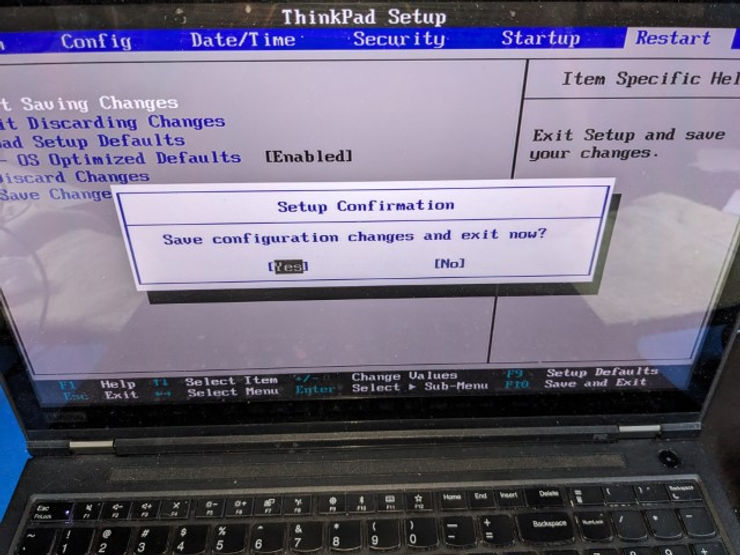
Enable Intel Virtualization in UEFI BIOS N2CET70W (1.53) Running on a Lenovo 20MAS87F00
This post shows how to enable Intel virtualization on a Lenovo 20MAS87F00 Running UEFI BIOS N2CET70W (1.53).
Enable Intel Virtualization in UEFI BIOS
1. Restart your computer and repeatedly press F1.
You should see:

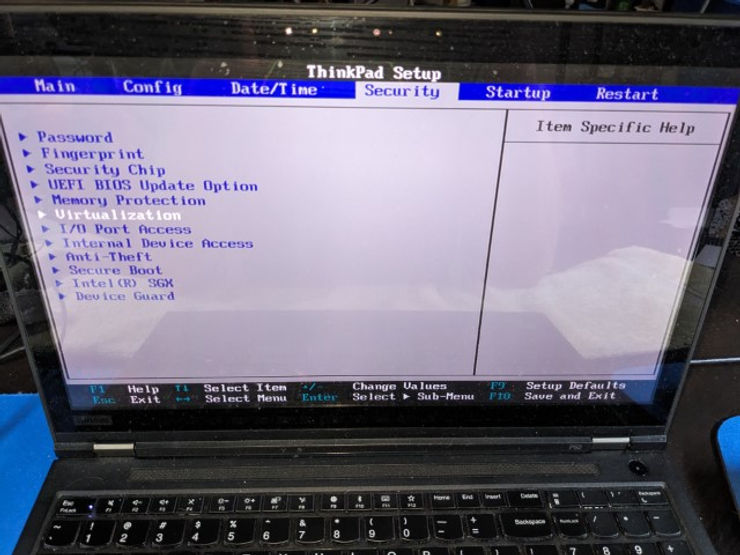
2. Arrow Key to Security and press Enter
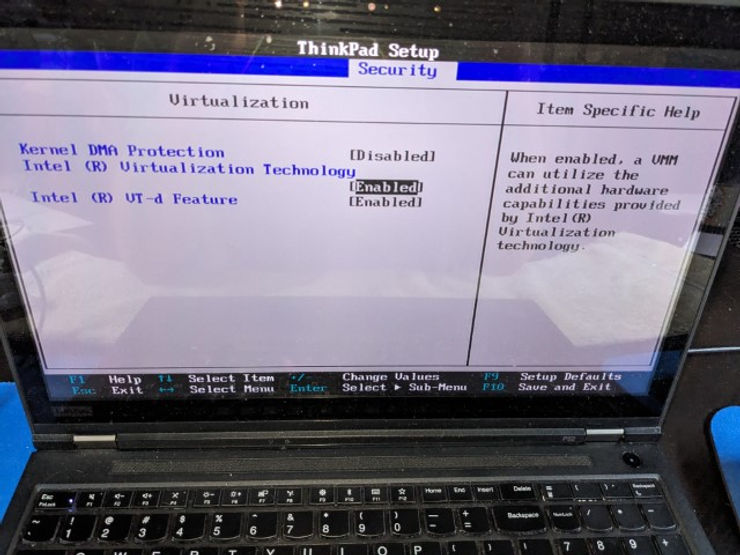
3. Arrow Key to enable Intel (R) Virtualization Technology
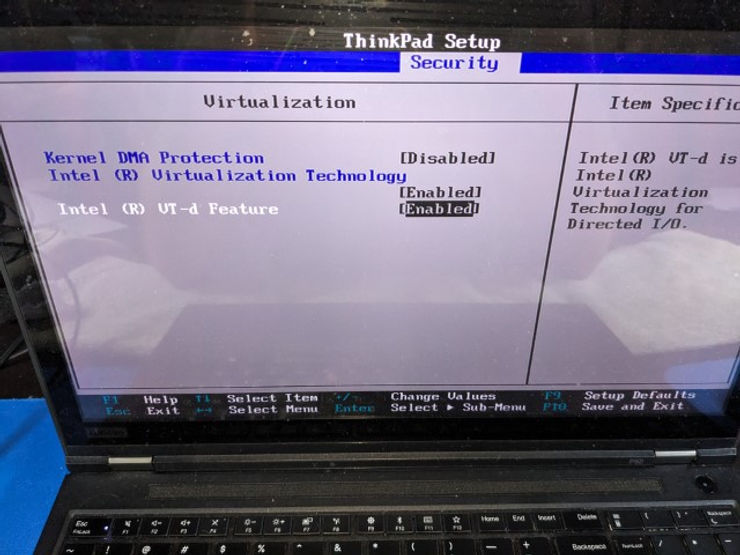
4. Arrow Key to enable Intel (R) VT-d Feature
5. Arrow Key to Restart and Arrow Key to Exit Saving Changes
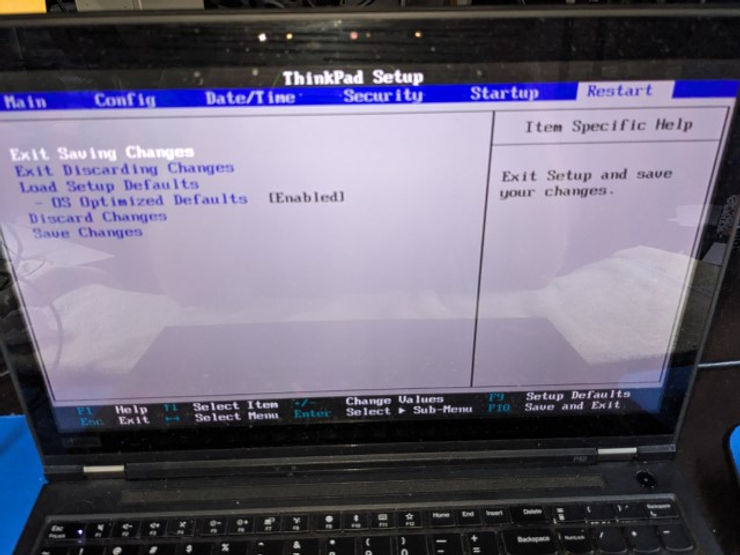
6. Press Enter to save and restart