

Find and Download Xilinx’s Vivado 2019.1 Windows Self Extracting Web Installer

This post walks through finding and downloading Vivado 2019.1 on Windows 7. It was written on May 6th, 2020.
Prerequisites
A Xilinx login. Get one at [https://login.xilinx.com/] (click the Create Account button).
Steps
Step 1: Go to [https://www.xilinx.com]
Step 2: Click Developers

Step 3: Click Download the Latest Xilinx Tools

Note: This takes you to [https://www.xilinx.com/support/download.html].
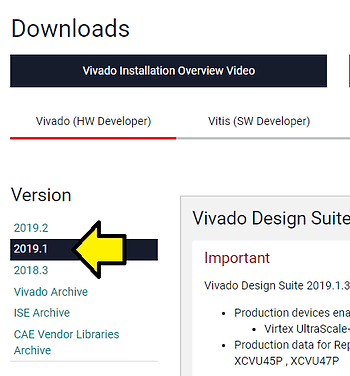
Step 4: Click 2019.1
Step 5: Click Vivado HLx 2019.1: WebPACK and Editions - Windows Self Extracting Web Installer [link] (link requires login) 64.62 MB (this is just the downloader, the actual download is much bigger)
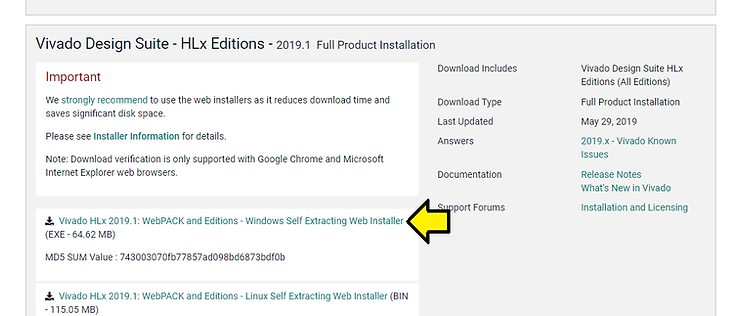
Note: Here’s are the [release notes] for 2019.1 (the link on the web goes to 2019.2)
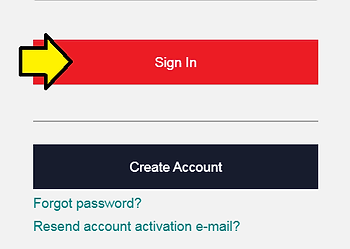
Step 6: Click Sign In
Step 7: Click Download
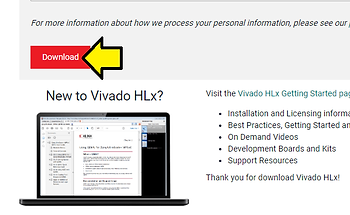
Note: Downloads Xilinx_Vivado_SDK_Web_2019.1_0524_1430_Win64.exe
References
Xilinx logo from [link]