

Fix “VMware Unable to open virtual machine” on Windows
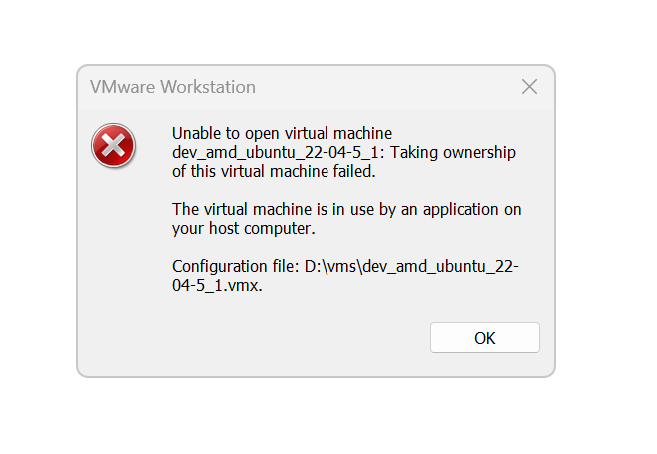
You might see this error if the computer running VMware was restarted.
These steps were verified on 8/14/2025 using VMware® Workstation 17 Pro 17.5.2 build-23775571.
Steps:
- Note the
.vmxfile’s folder.
- Locate the
.vmx.lck folder.
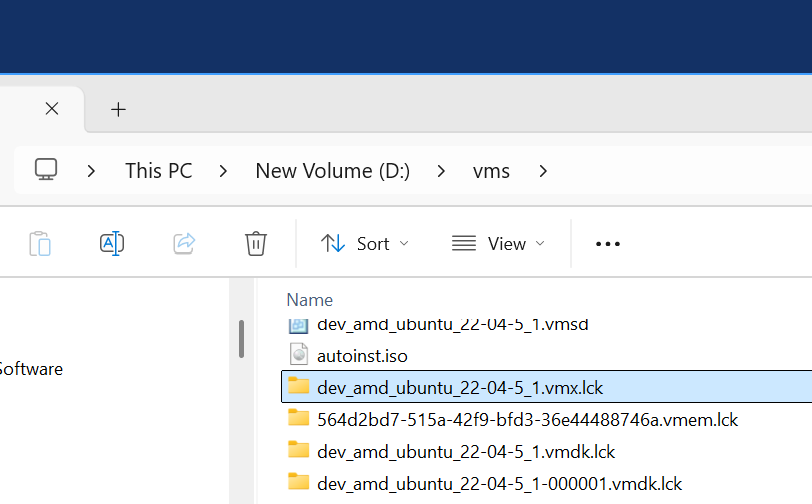
- Delete it.