

How To Find Which Version of Word You’re Using
This post shows you how to figure out which version of Word you’re using.
The steps worked on Word 2016 MSO (16.0.9029.2253) 32-bit
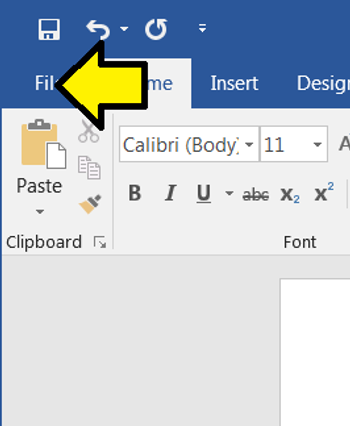
1. Click File
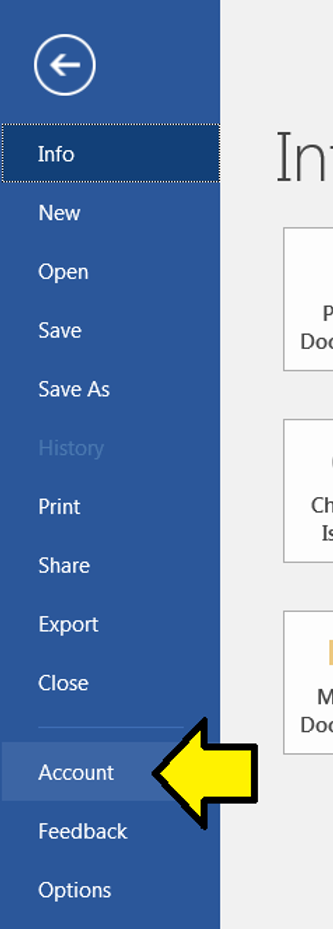
2. Click Account
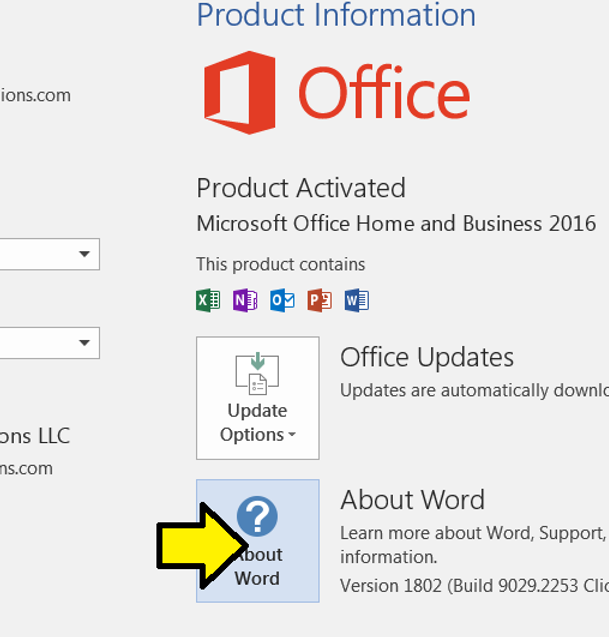
3. Click About Word
References
Word image from link