

Install, Run and Uninstall the Guppy LoRaWAN Configuration Tool

This post lists links to the Guppy LoRaWAN Configuration Tool and steps to install it, run it and uninstall it.
Install
1. Install the Guppy LoRaWAN Configuration Tool posted at [link] - the actual link is https://www.oemserver.com/tools/GuppyLoRaWAN/ConfigTool/setup.exe
I renamed setup.exe to guppy lorawan setup.exe
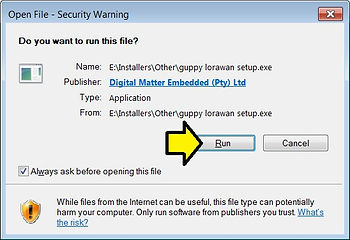
2. Double-click on guppy lorawan setup.exe and click Run on the Open File - Security Warning
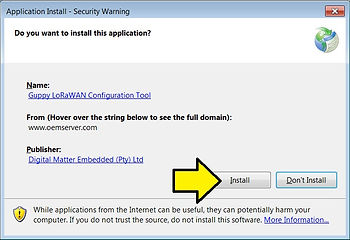
3. Click Install
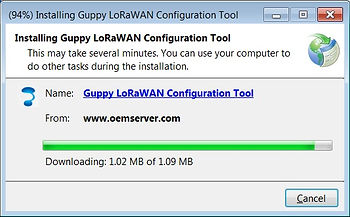
You’ll see:
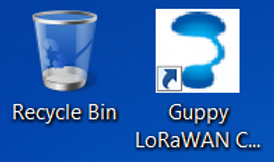
…and see the icon on the desktop
…and the program will pop up
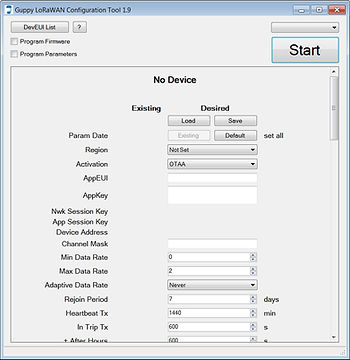
Run It
1. Plug in the configuration cable
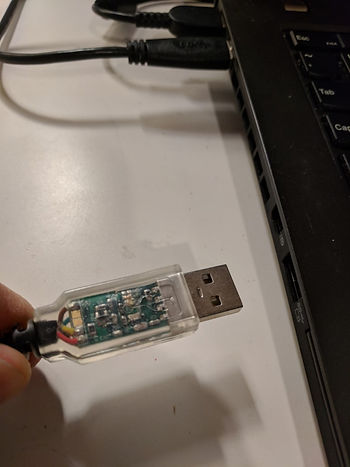
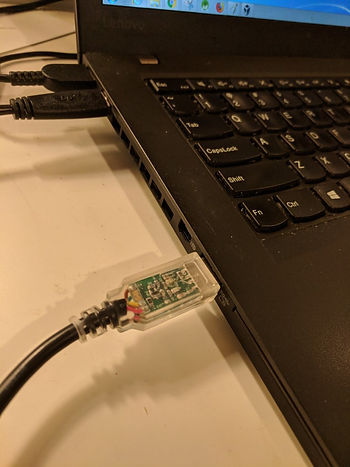
You’ll see
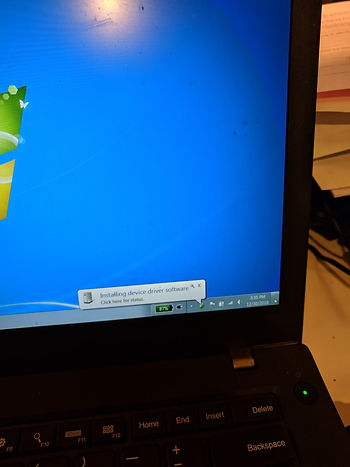
2. Select the COM
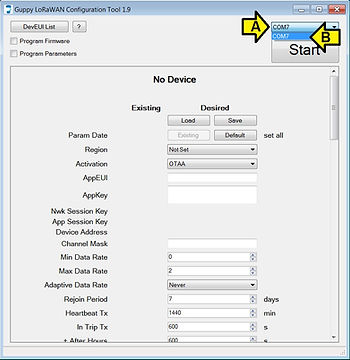
3. Click Start
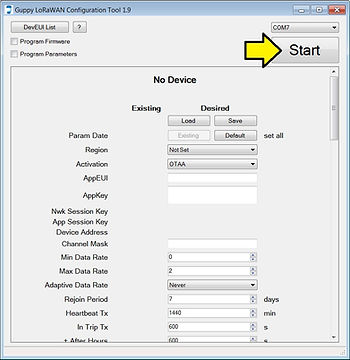
4. Click Stop
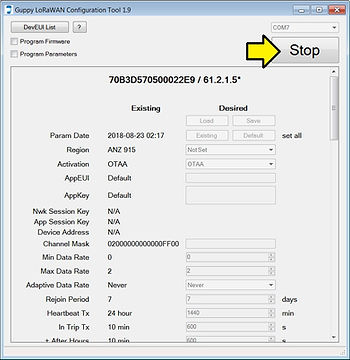
You should see:
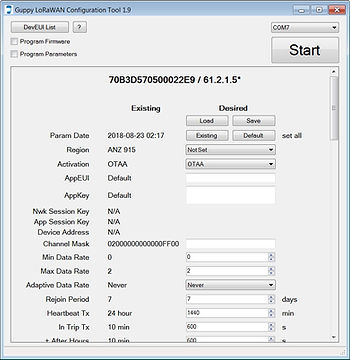
Program Parameters
Programming parameters is covered at [link]
1. To read parameters click Start
Note: The configuration tool will read continuously, and display the existing parameters in the center column.
2. To program new parameters and firmware (you have to do both)
A. Enter the parameters in the right hand column
B. Check the Program Parameters checkbox.
C. Click Run
To update the firmware only
A. Check the Program Firmware checkbox
B. Leave the Program Parameters checkbox clear
C. Click Run
Uninstall
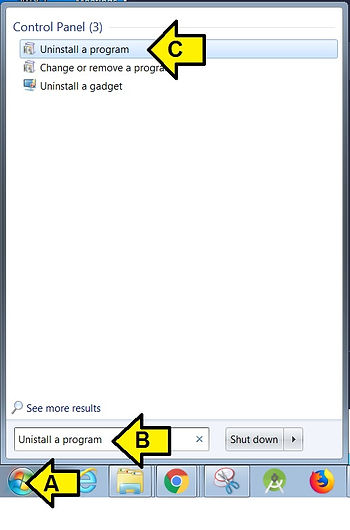
1. Run Uninstall a program
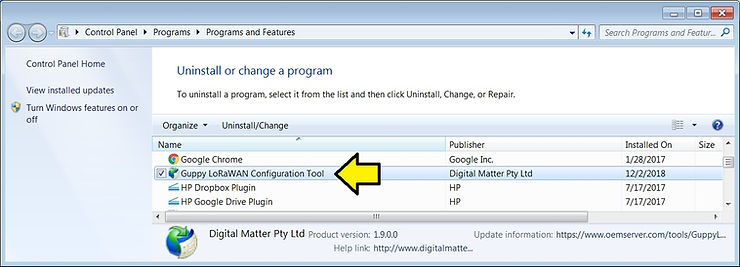
2. Double-click Guppy LoRaWAN Configuration Tool
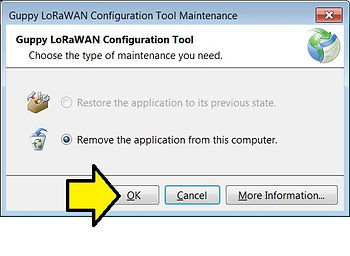
3. Click OK
Reference
Digital Matter logo from [link]