Install Node.js on Windows 7
This post walks through a Node.js install on Windows 7 and tests that node and npm work. It installs v13.14.0 LTS.
It seems that v13.14.0 LTS is the last installer that works on Window 7. I get this error when I try to install v14.0.0 (node-v14.0.0-x64.msi from [link]):
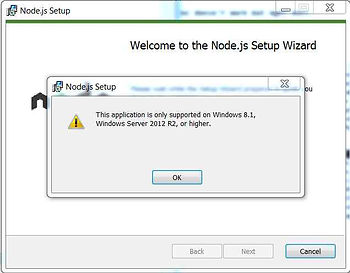
This post also includes a link to the License Agreement so people can review it before installing. The install takes about 30 secs and uses 86 MB.
Steps
1. Go to [link]
2. Click node-v13.14.0-x64.msi or click [link]
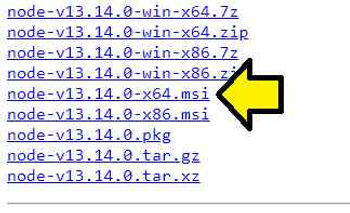
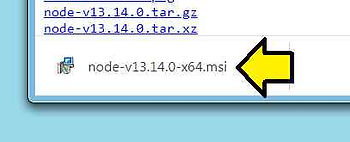
3. Click to launch the install
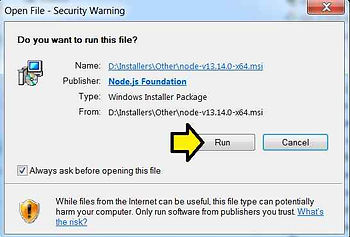
4. Click Run
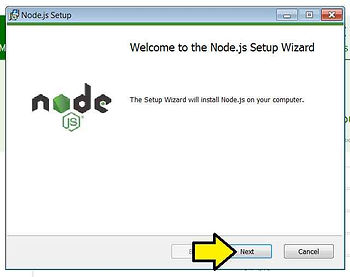
5. Click Next
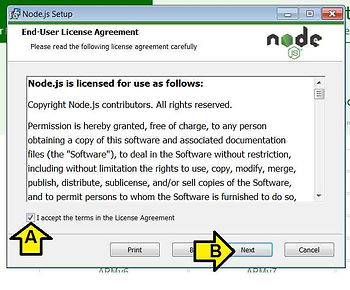
6. Click the I accept the terms in the License Agreement checkbox and click Next
Note: A PDF of the 25 page License Agreement is [here] a Word doc is [here]
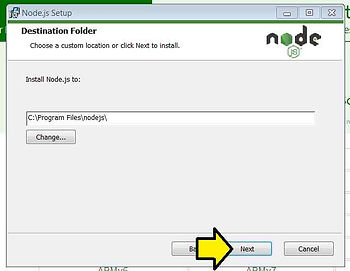
7. Click Next
Note: Installs Node.js into C:\Program Files\nodejs\
8. Click Next on the Custom Setup
Note: I’ve expanded the submodules in the picture
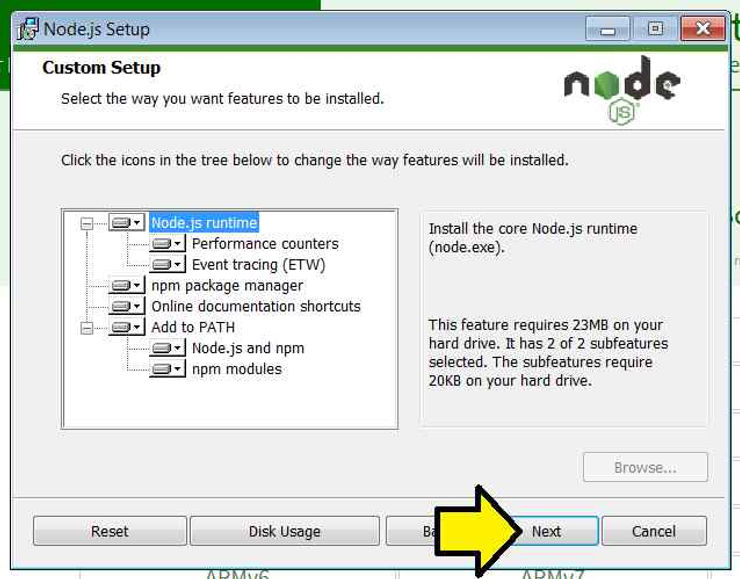
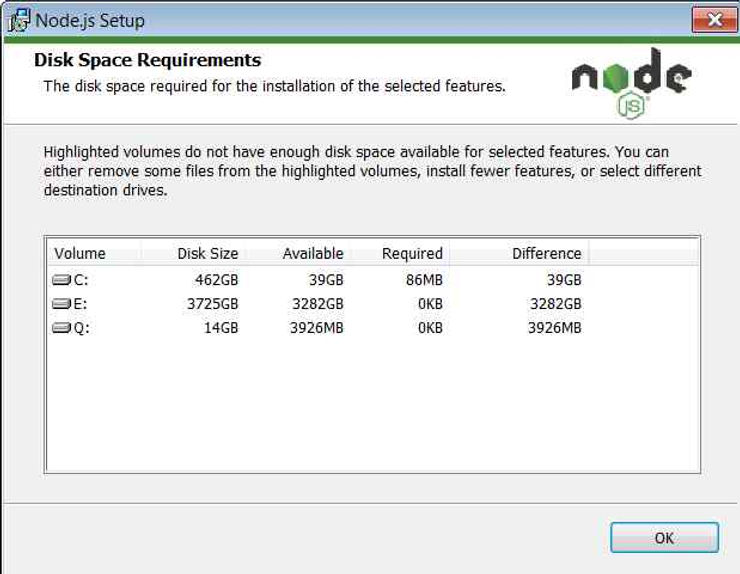
Note 2: Clicking on Disk Usage shows that all the features require 86 MB
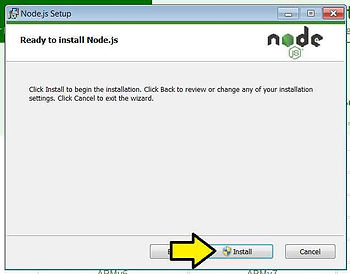
9. Click Install
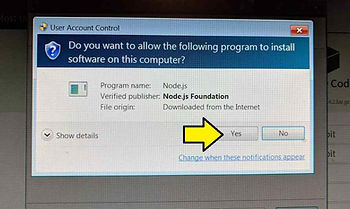
10. You’ll see the screen pause, darken, and see this pop up. Click Yes.
11. Click Finish
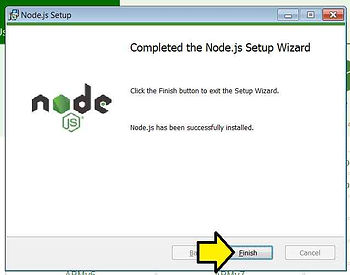
Congratulations! You’ve installed node and npm.
Test
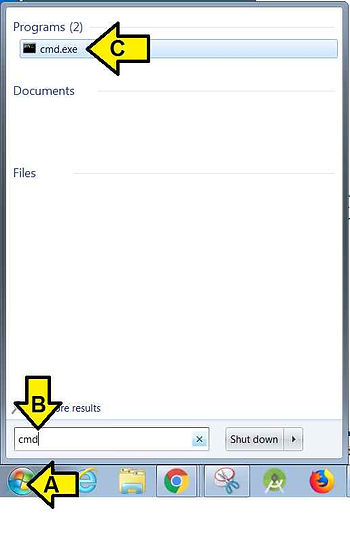
1. (A) Click the Windows Icon, (B) type cmd and (C) click cmd.exe
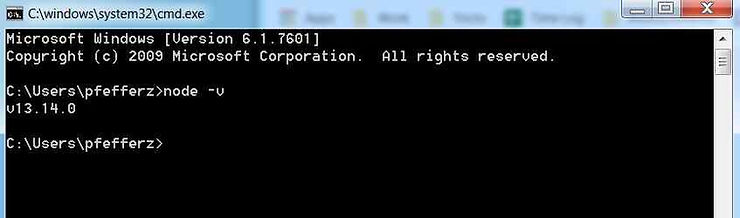
2. Type node -v. I see v10.14.2.
3. Type npm -v. I see 6.4.1.
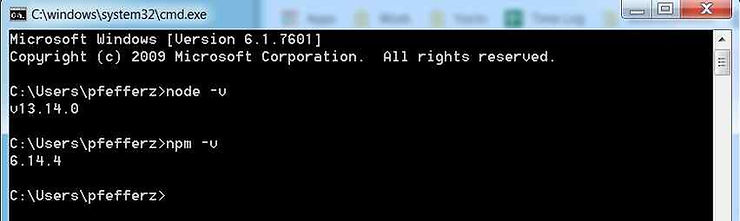
…and it works!
Reference
Node.js logo from [link]