

Make Sure the ZC706 Hardware is Working
This post shows how to ensure the ZC706 hardware is working by running the Built-In Self-Test.
It follows UG961, the ZC706 Getting Started Guide, adding links and pictures to make it easier for others to “check-out” the board quickly.
Hardware Needed
All of these items are included in the ZC706 Kit.
-
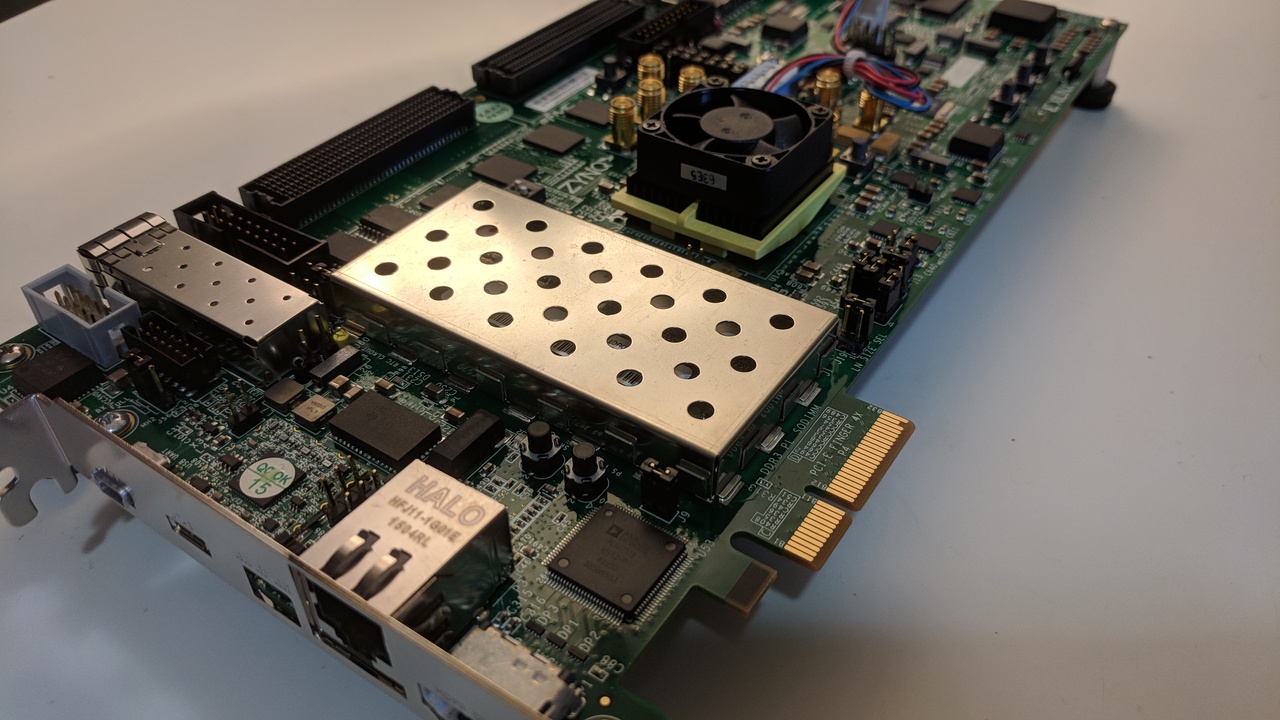
ZC706 evaluation board with the Zynq-7000 XC7Z045 FFG900-2 AP SoC part
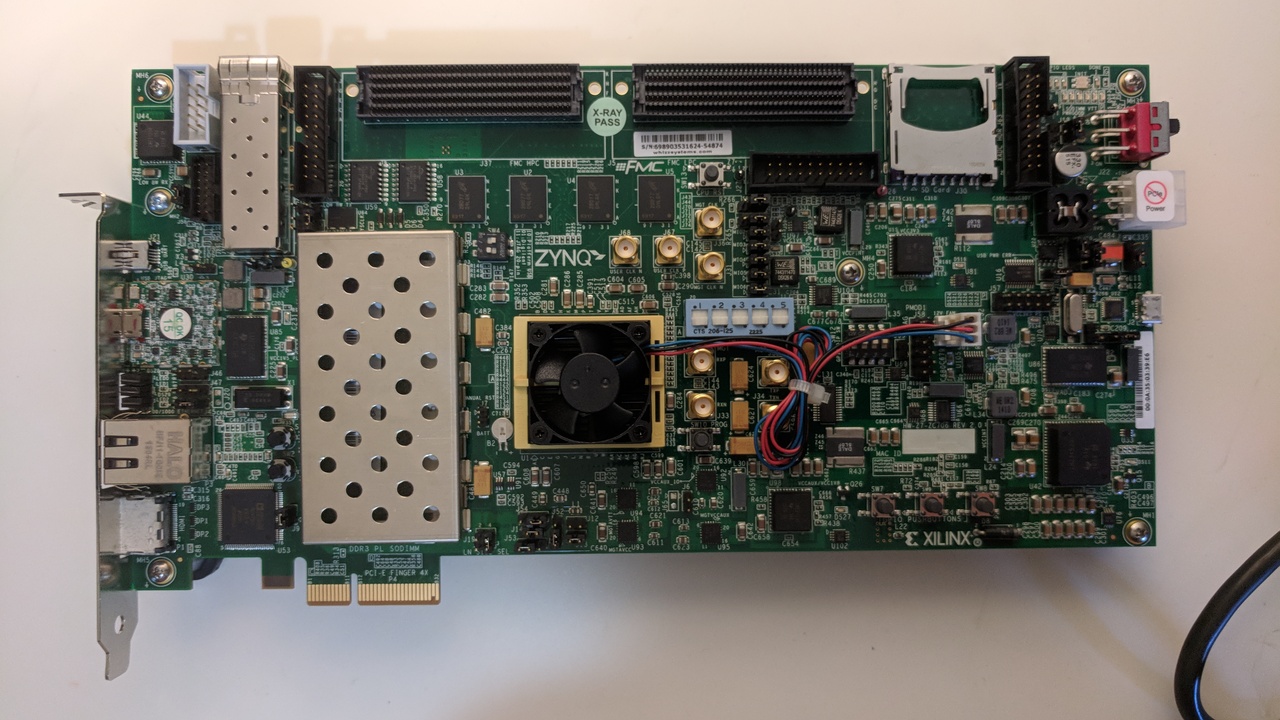
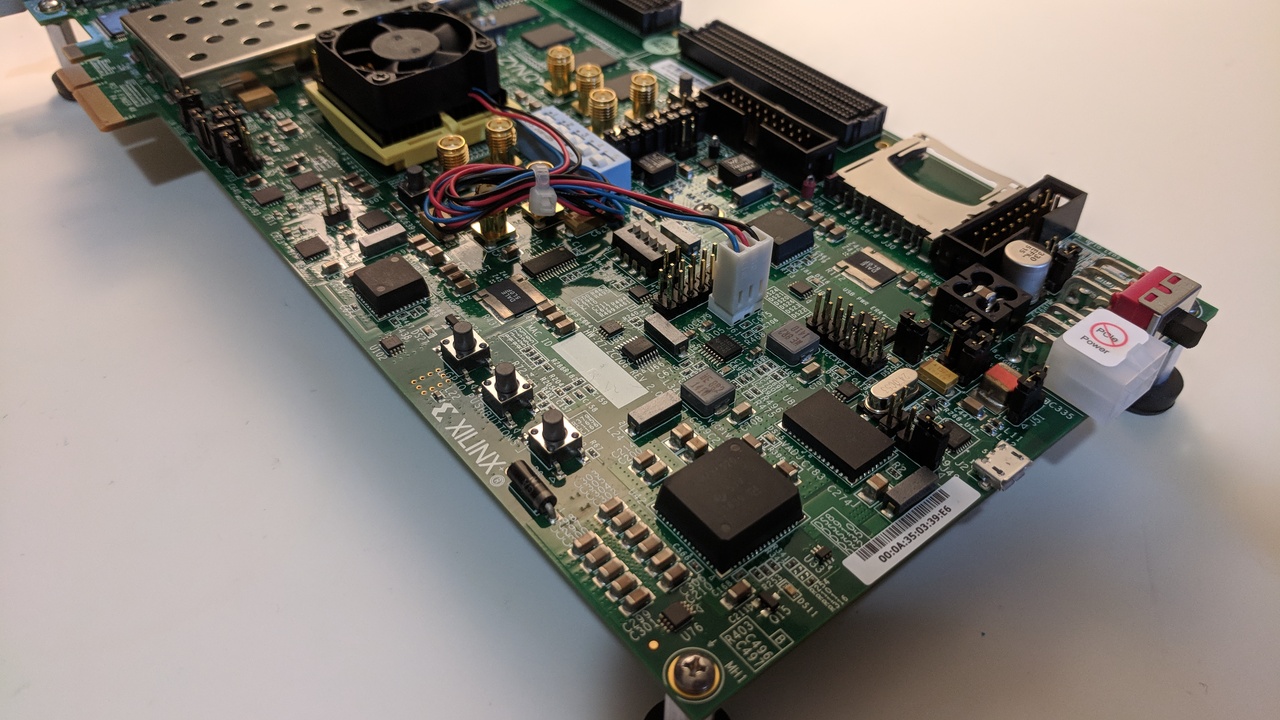
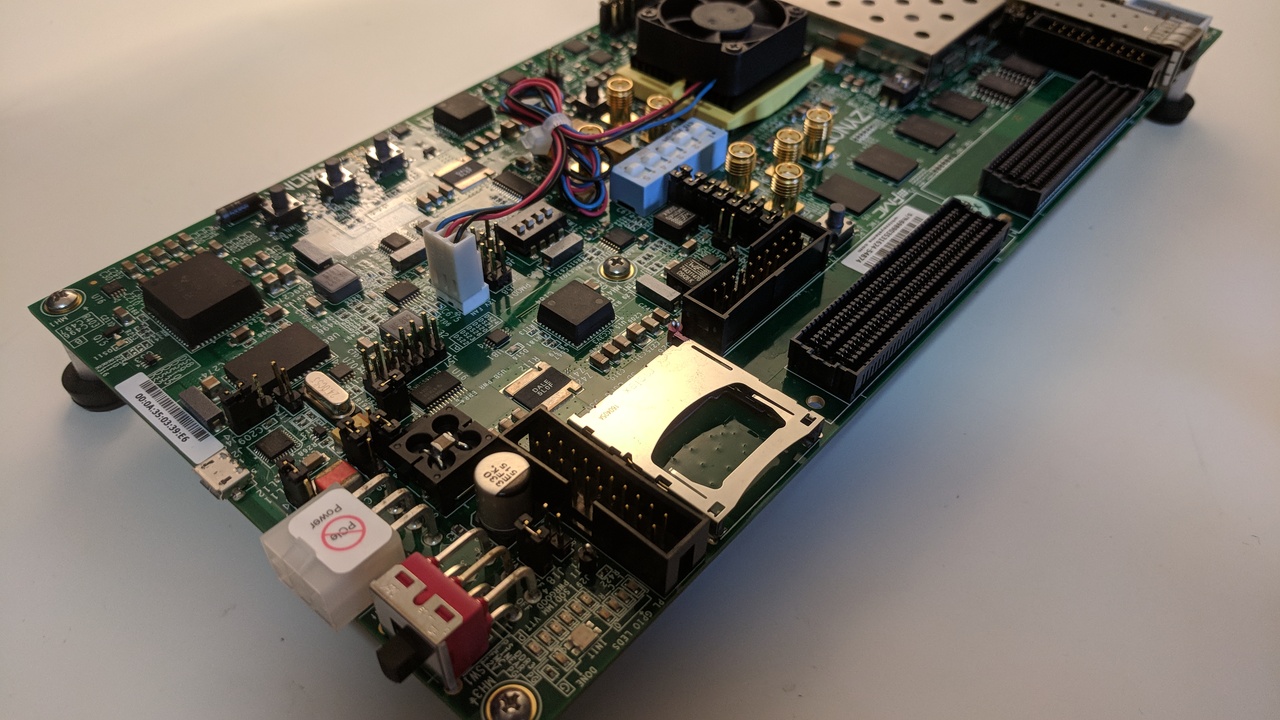
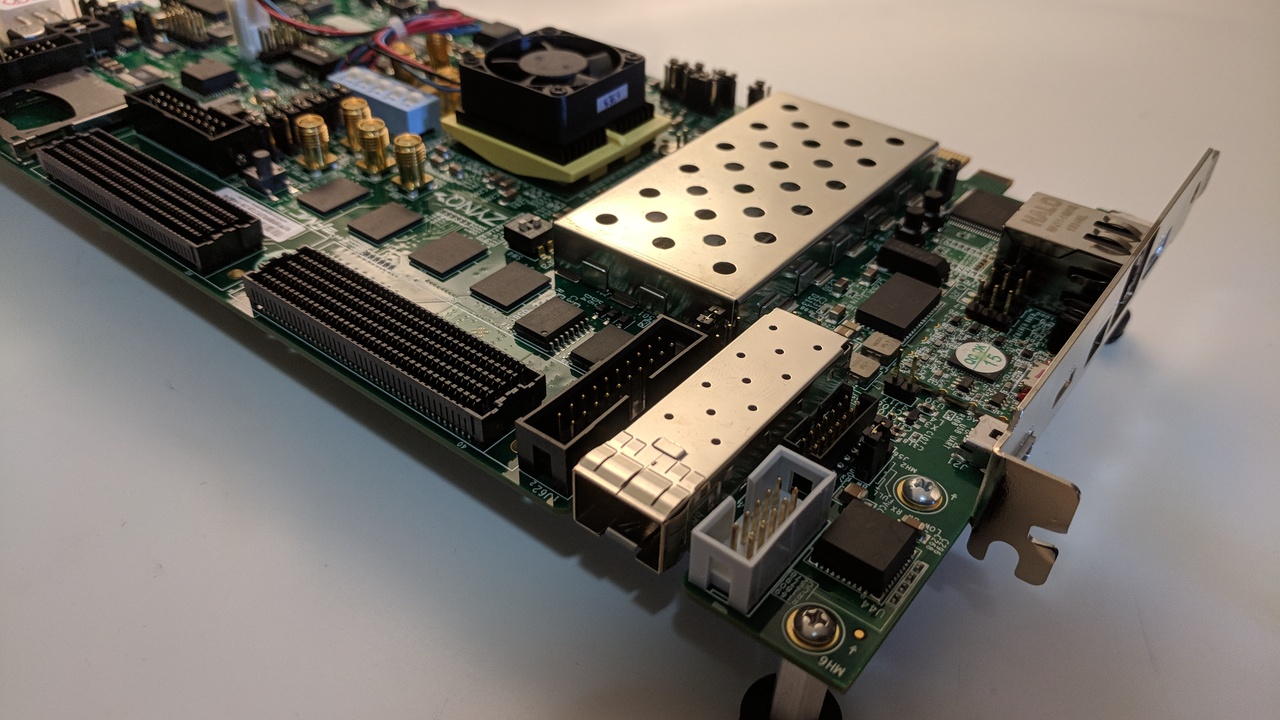
-
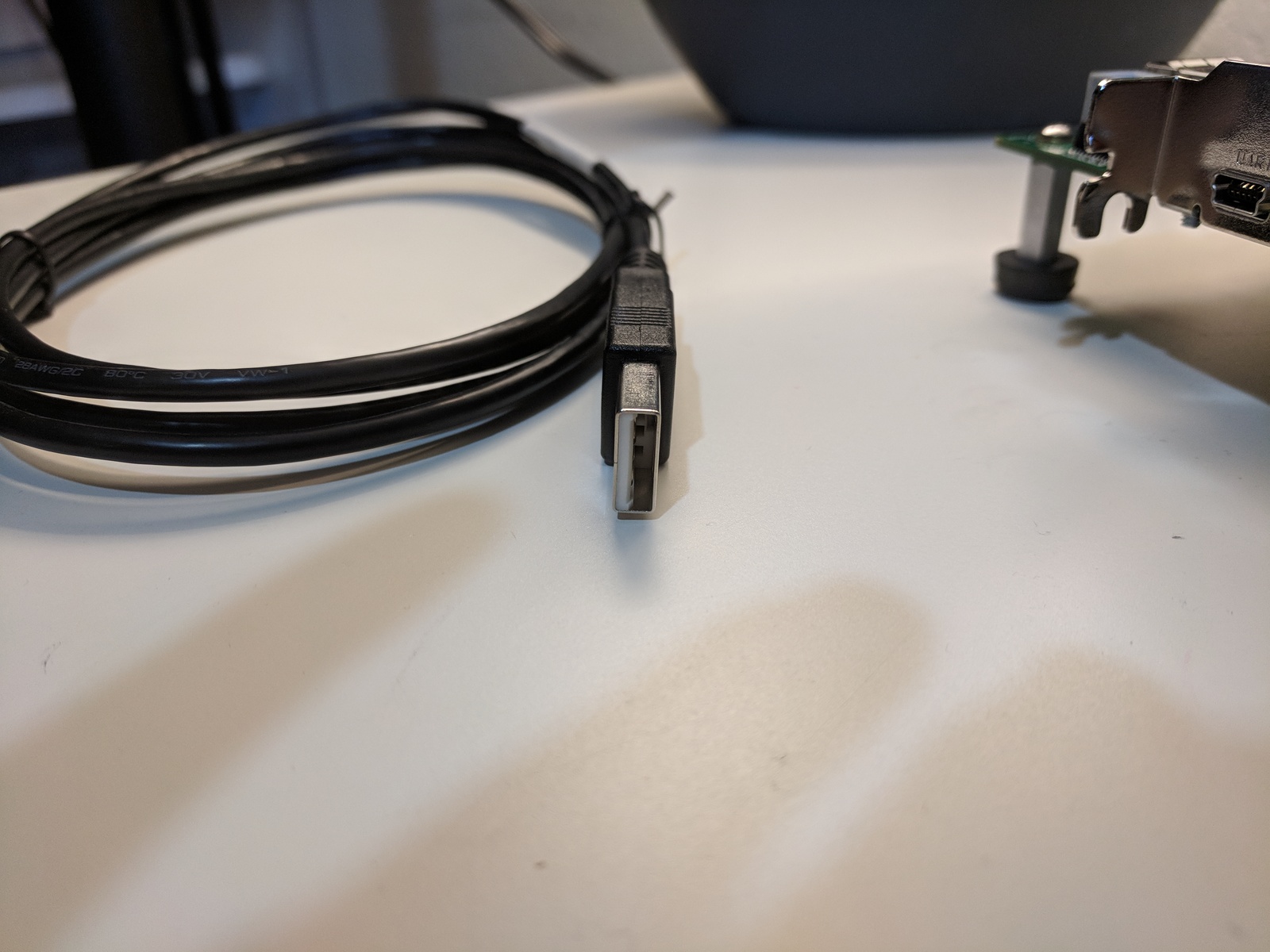
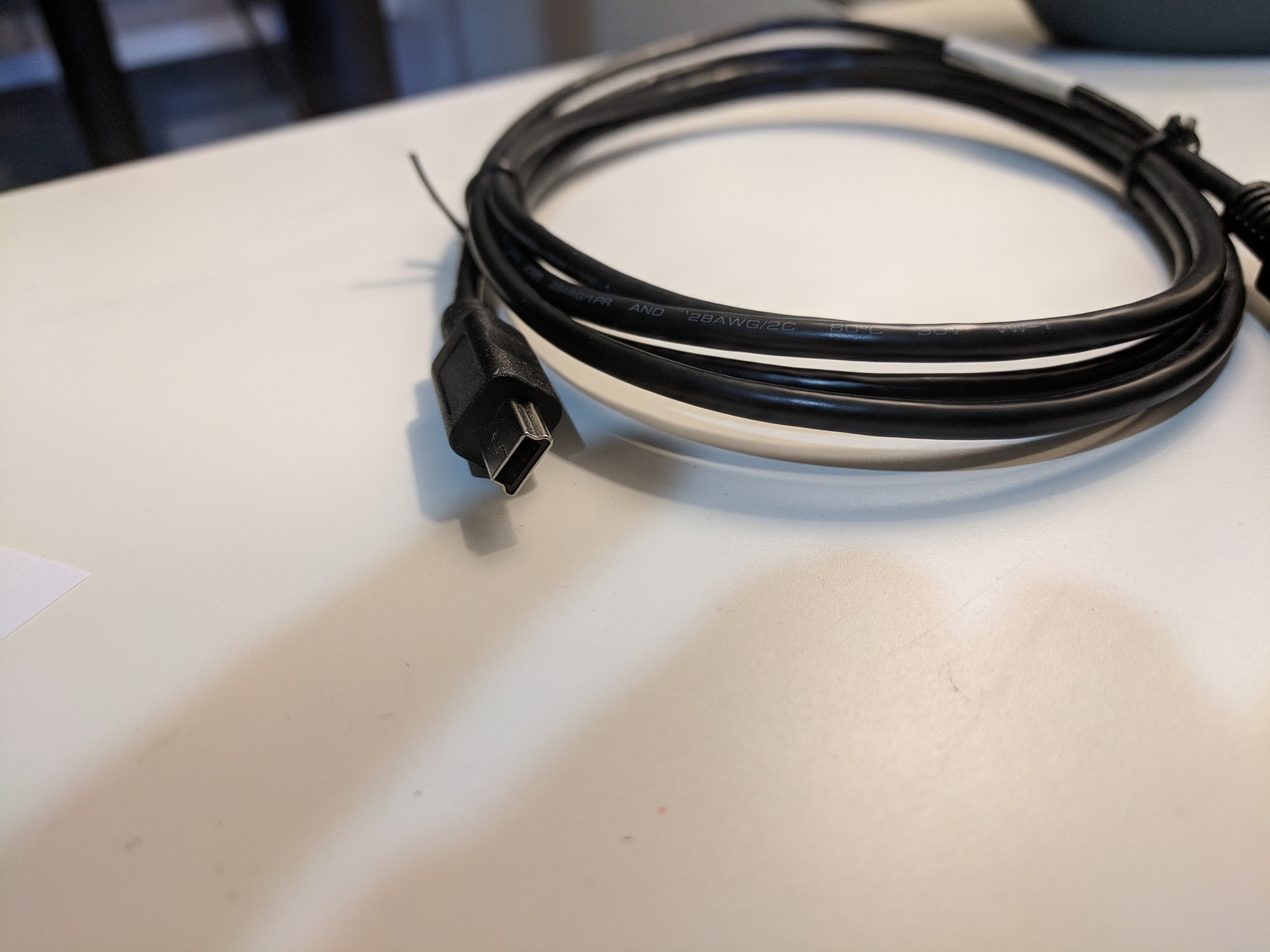
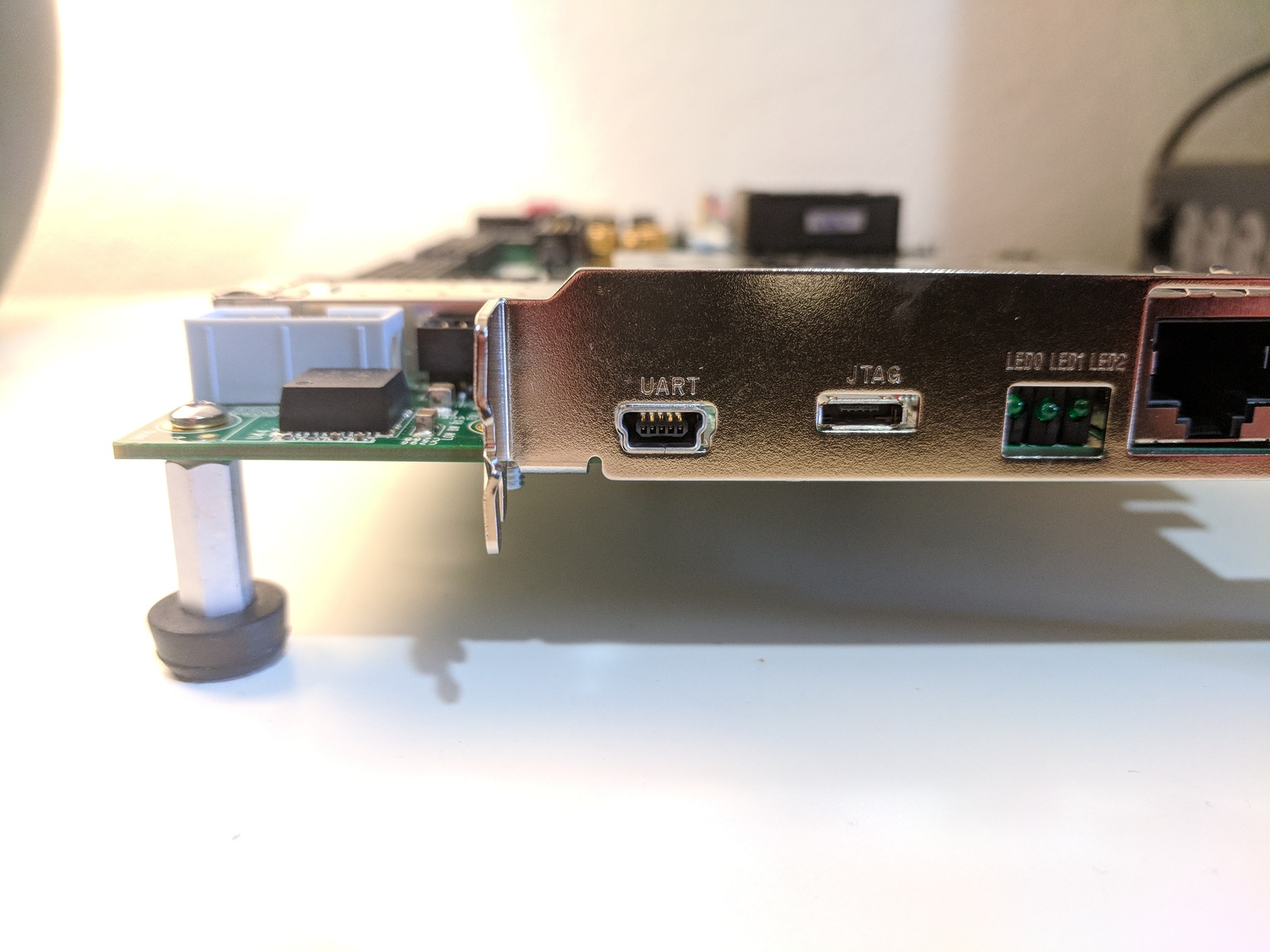
USB to Type-A to Mini-B cable (for UART)
-
Digilent JTAG USB Type-A to Micro-B cable
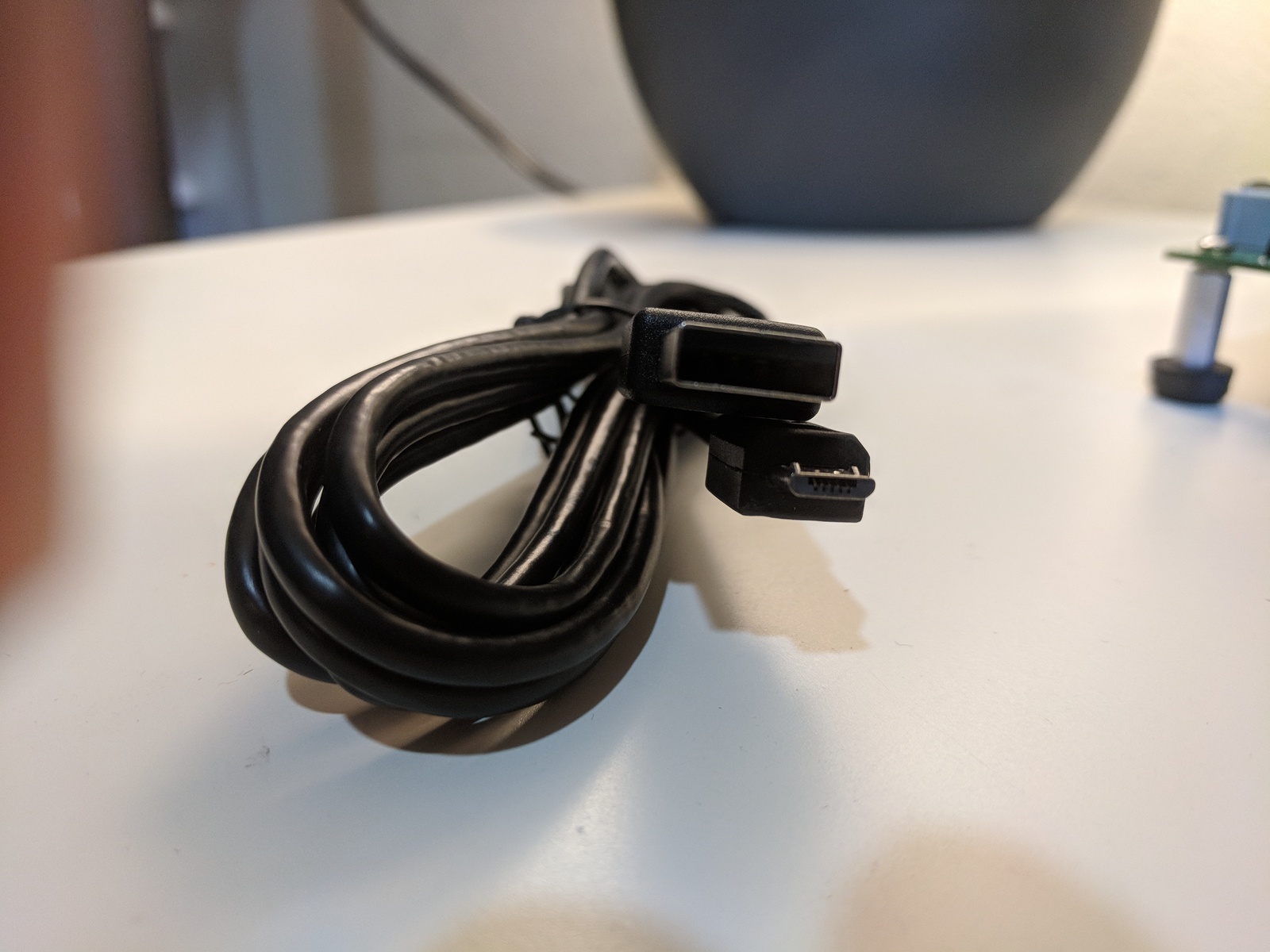
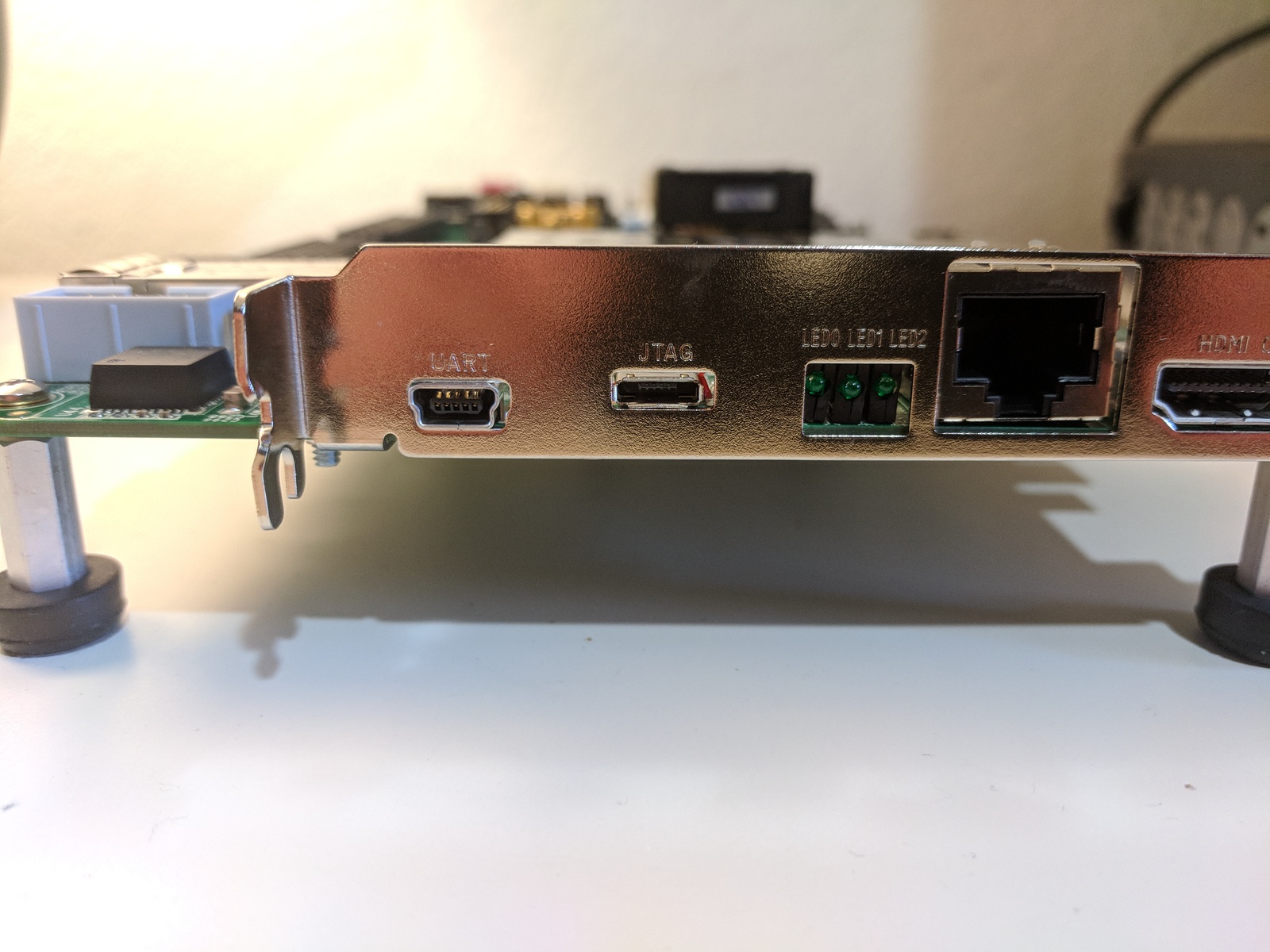
TODO: is there something special about this cable?
- AC power adapter (12 VDC)
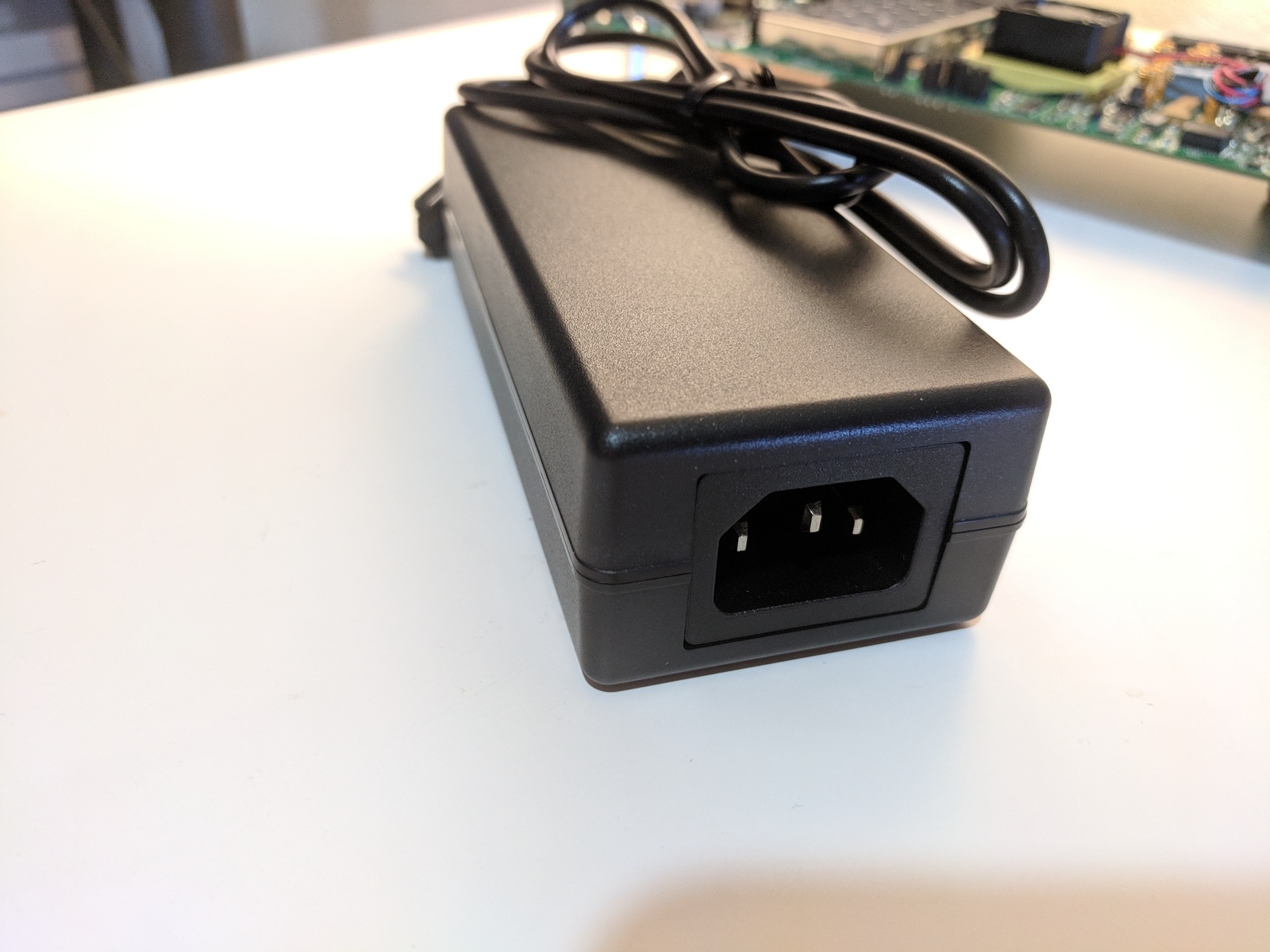
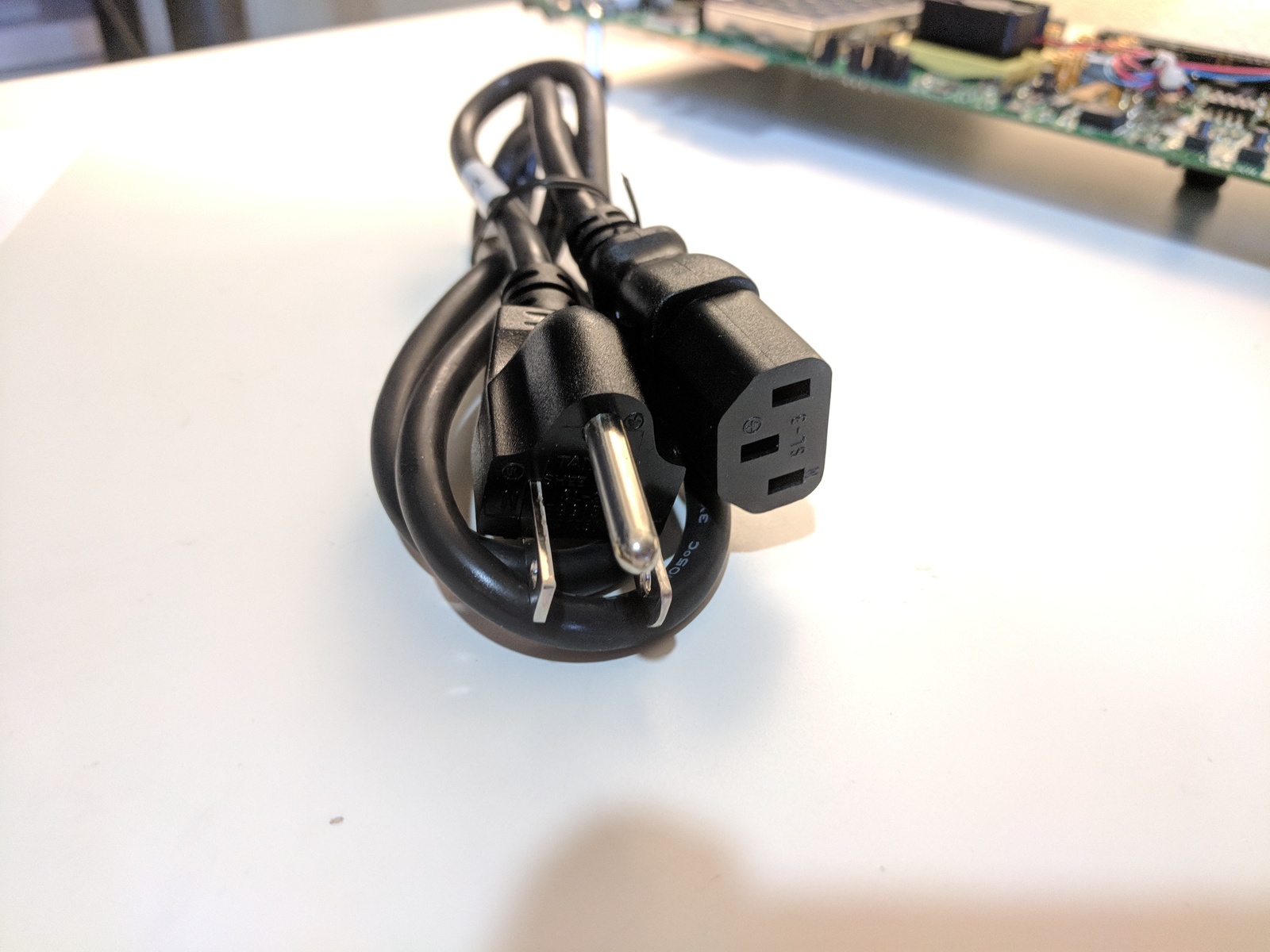
- TeraTerm Pro terminal or alternative
TeraTerm is available at [link]. Version 4.99 was used in this post. Its available at [link]. I selected the Standard install. This installed:
Destination location:
C:\Program Files (x86)\teraterm
Setup type:
Standard installation
Selected components:
Tera Term & Macro
TTSSH
CygTerm+
TTProxy
Additional Plugins
TTXResizeMenu (VT-Window size can be changed from preset)
TTXttyrec (ttyrec format record data can be recorded or playback)
Start Menu folder:
Tera Term
Additional tasks:
Create Tera Term shortcut to Desktop
Create Tera Term shortcut to Quick Launch
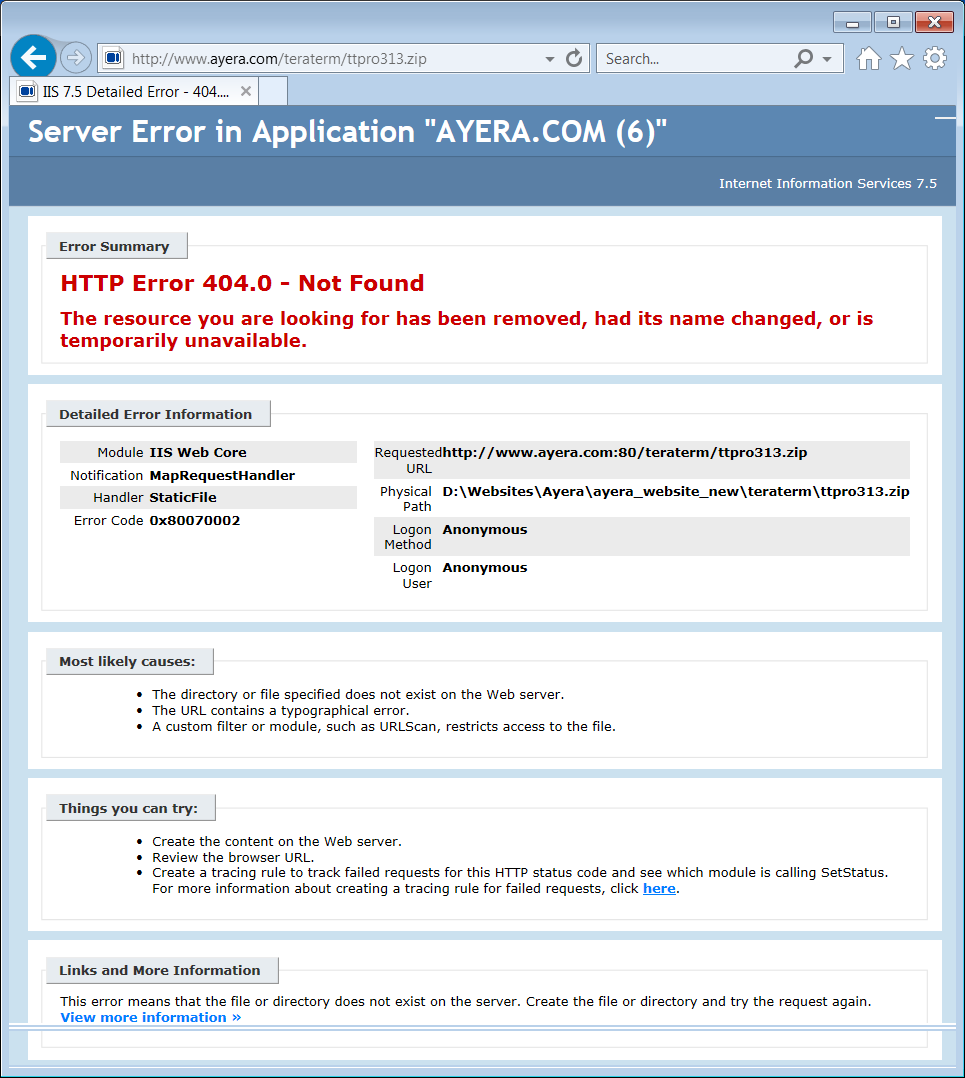
Note: When I tried to download Tera Term Pro from the link listed in the Getting Started Guide [link] from Ayera Technologies on July 4th 2018 (Version 3.1.3) I got the following error:
- USB-UART drivers from Silicon Labs
More to come…
Reference
ZC706 Getting Started Guide, UG961 (v6.0.1) January 28, 2015 [link]