

Right-Click to Locate a VM
This post offers a quick tip to find a virtual machine managed by VirtualBox.
Steps
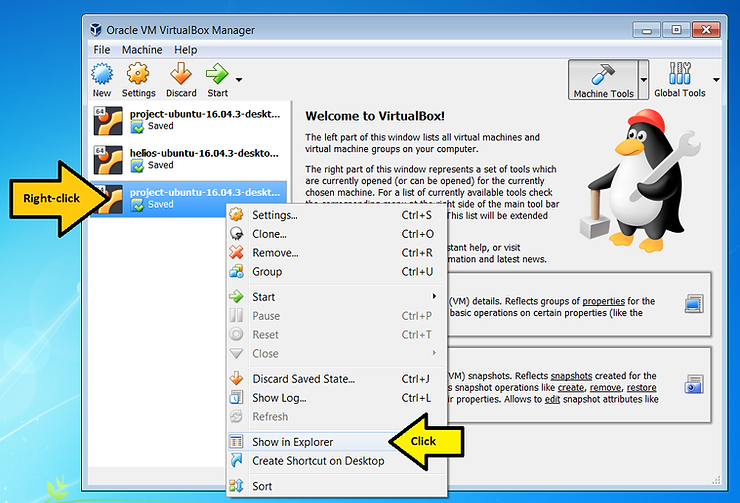
1. Right-click and click Show in Explorer
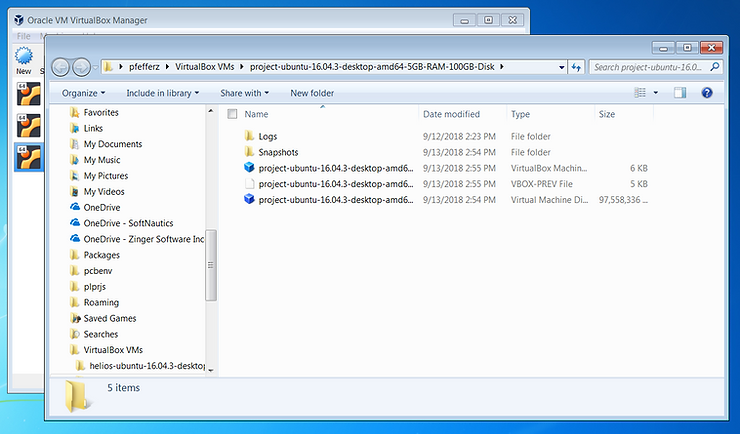
2. The location will pop up:
Versions Used
-
VirtualBox Version 5.2.12 r122591 (Qt5.6.2) available at [link]
-
Windows 7 Professional SP1
References
The VirtualBox logo is from https://www.virtualbox.org/