

ThinkPad T460 Memory Upgrade

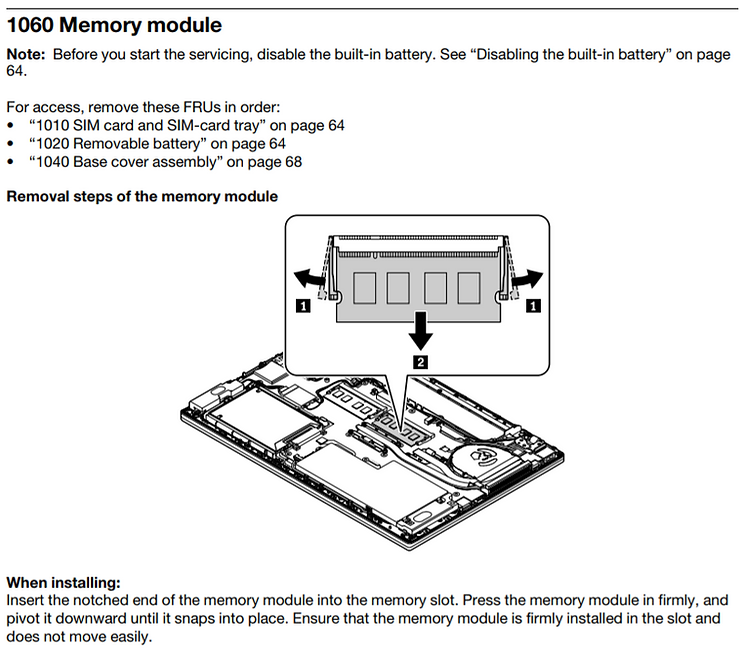
This post shows how to upgrade the memory on the ThinkPad T460 based on Chapter 9 of the ThinkPad T460 Hardware Maintenance Manual, Chapter 9. Removing or replacing a FRU, 1060 Memory module on page 72. FRU stands for Field Replaceable Unit.
Memory
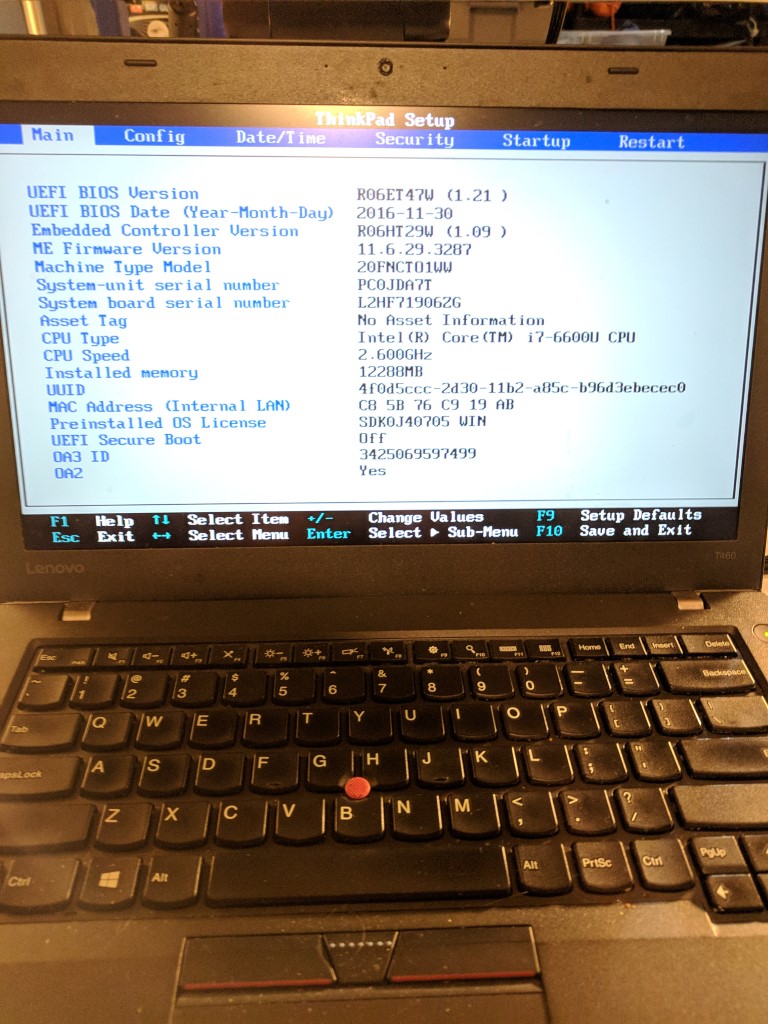
My machine is a Machine Type Model: 20FNCTO1WW as seen in [link].
According to the User Guide at [link] the T460 uses Double data rate 3 (DDR3) low voltage (LV) synchronous dynamic random access memory (SDRAM).
The product page at [link] says that I can have up to 32 GB of memory:

Which is also listed on the PSREF:
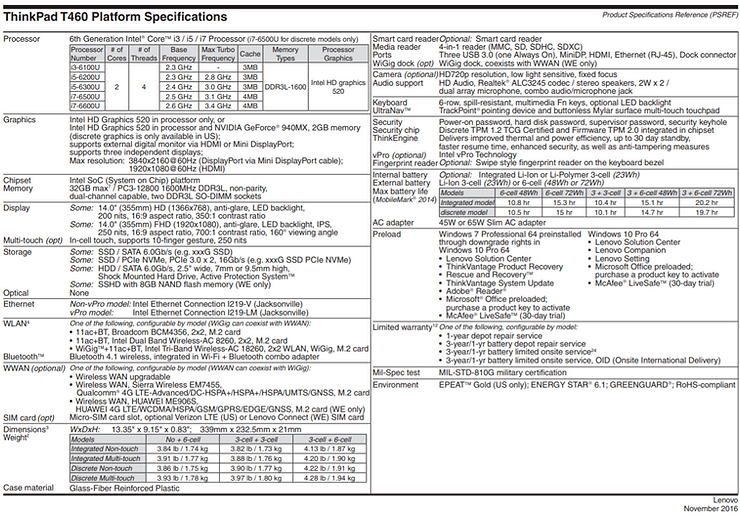
That shows you can only have 32 GB max. I got this from [link] and saved a copy [here].
Here is the suggested memory module (Lenovo 16GB PC3-12800 DDR3L-1600MHz SODIMM Memory):
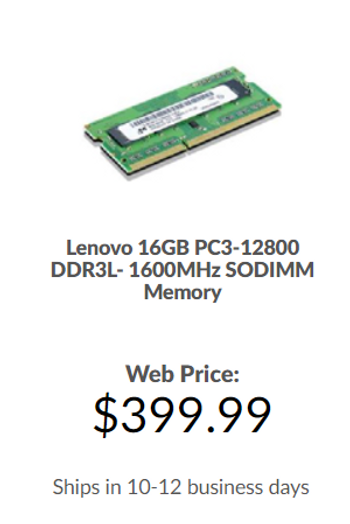
I ordered 2.
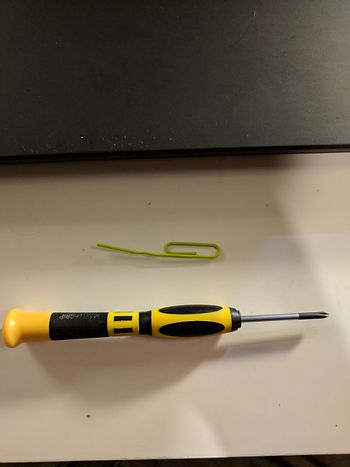
Tools Used
Phillips #1 Screwdriver
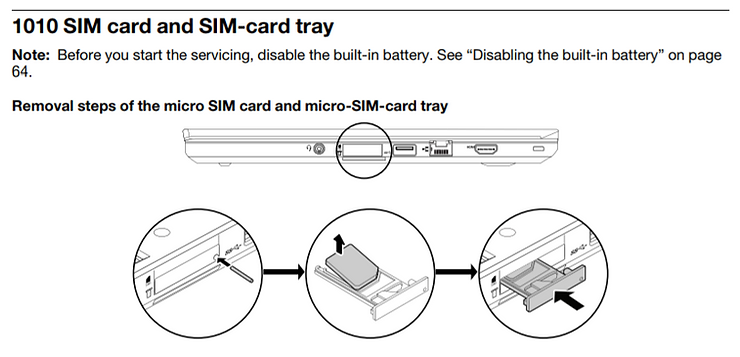
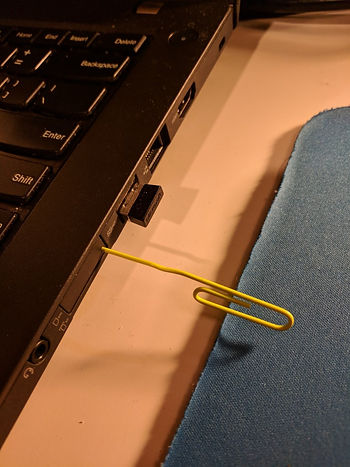
Paper clip
Steps
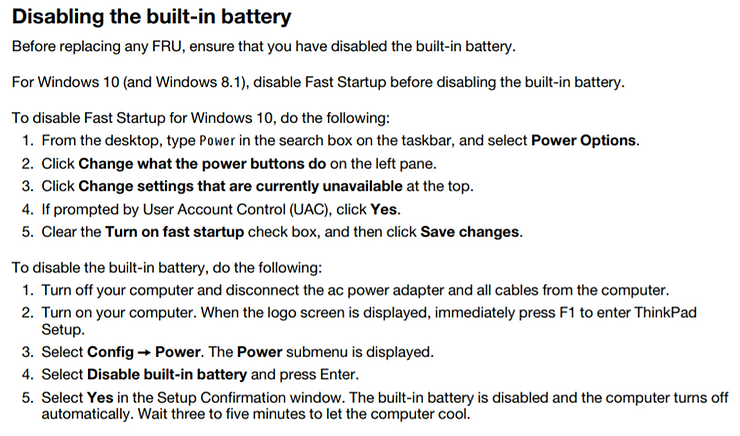
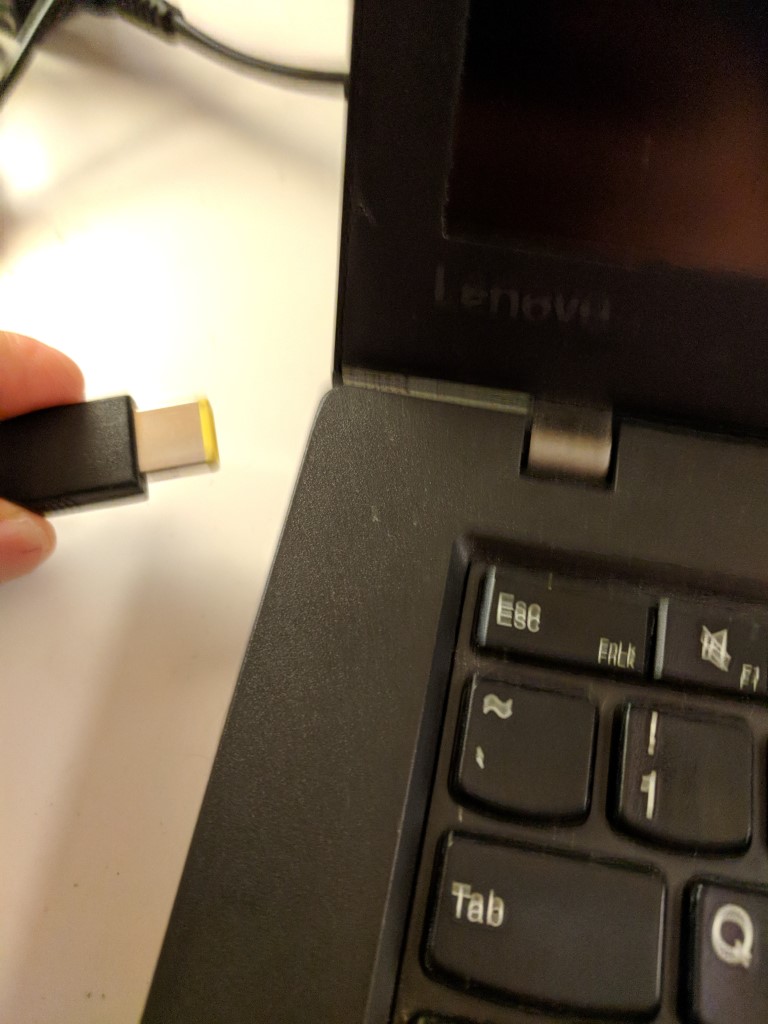
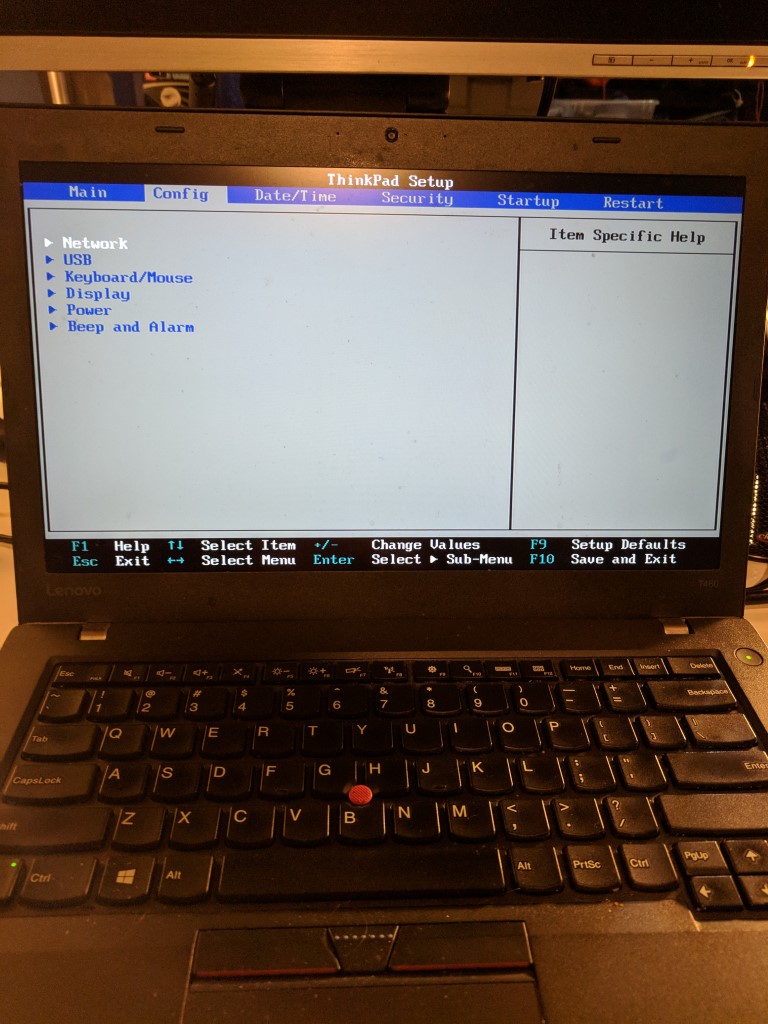
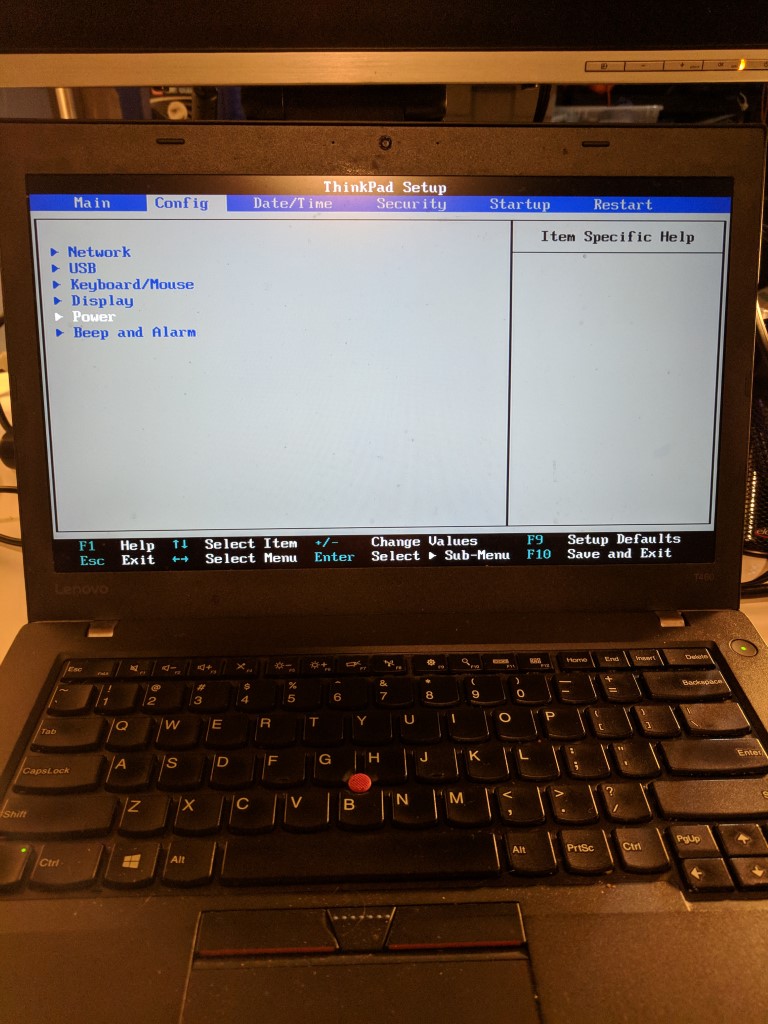
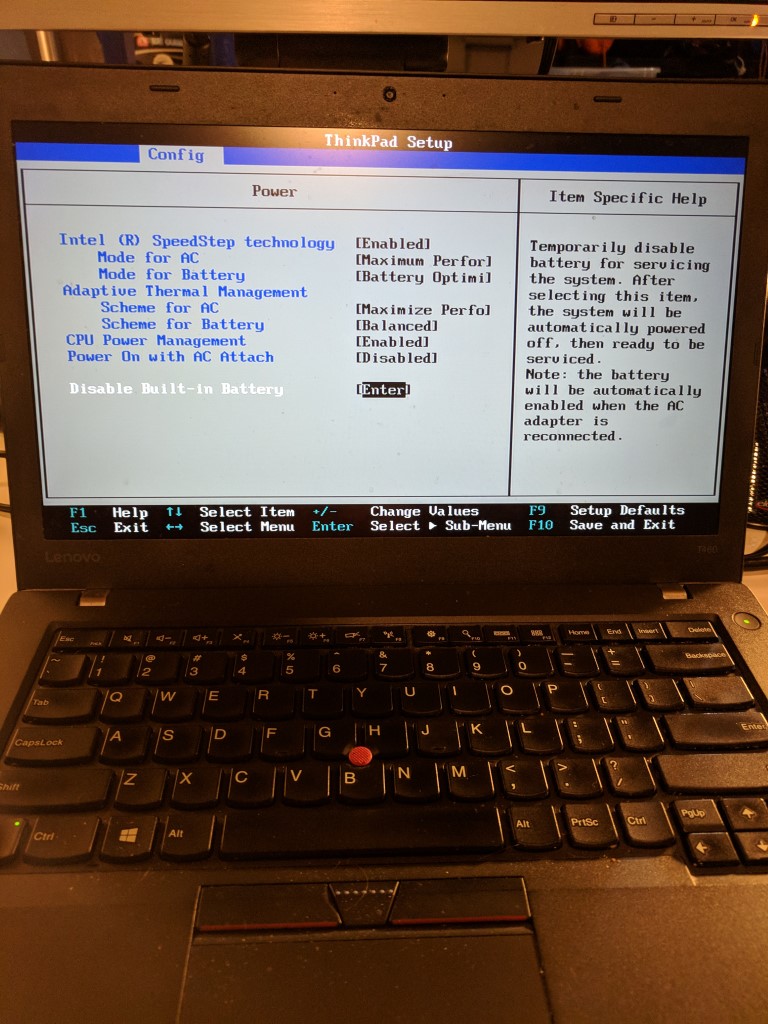
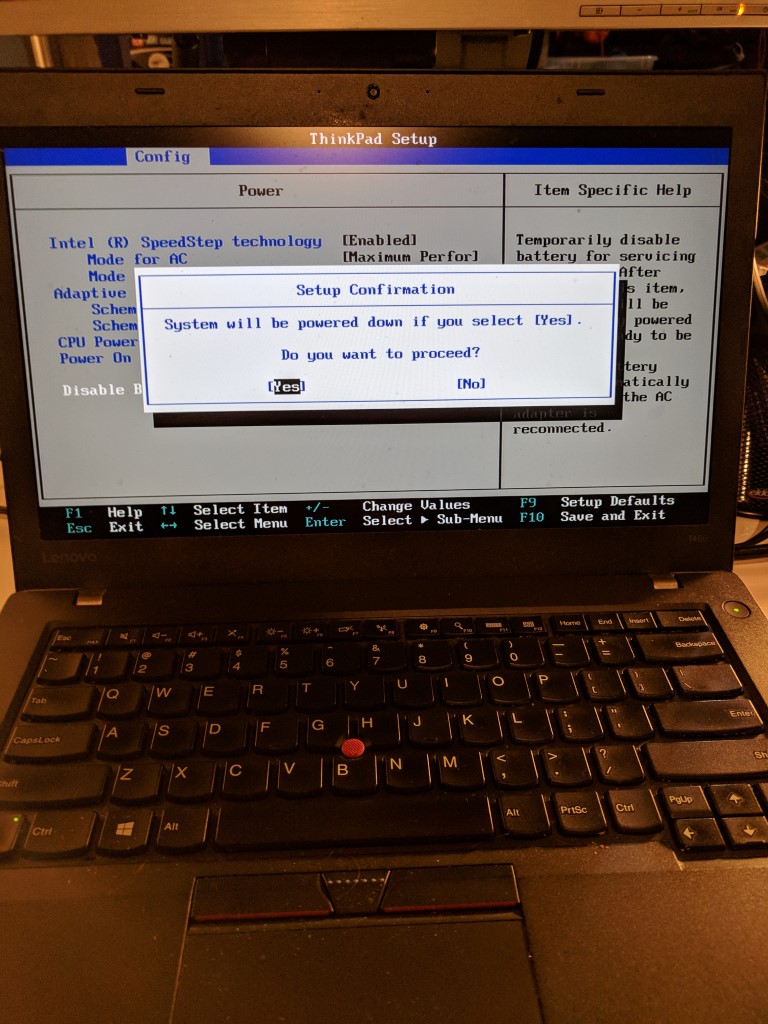
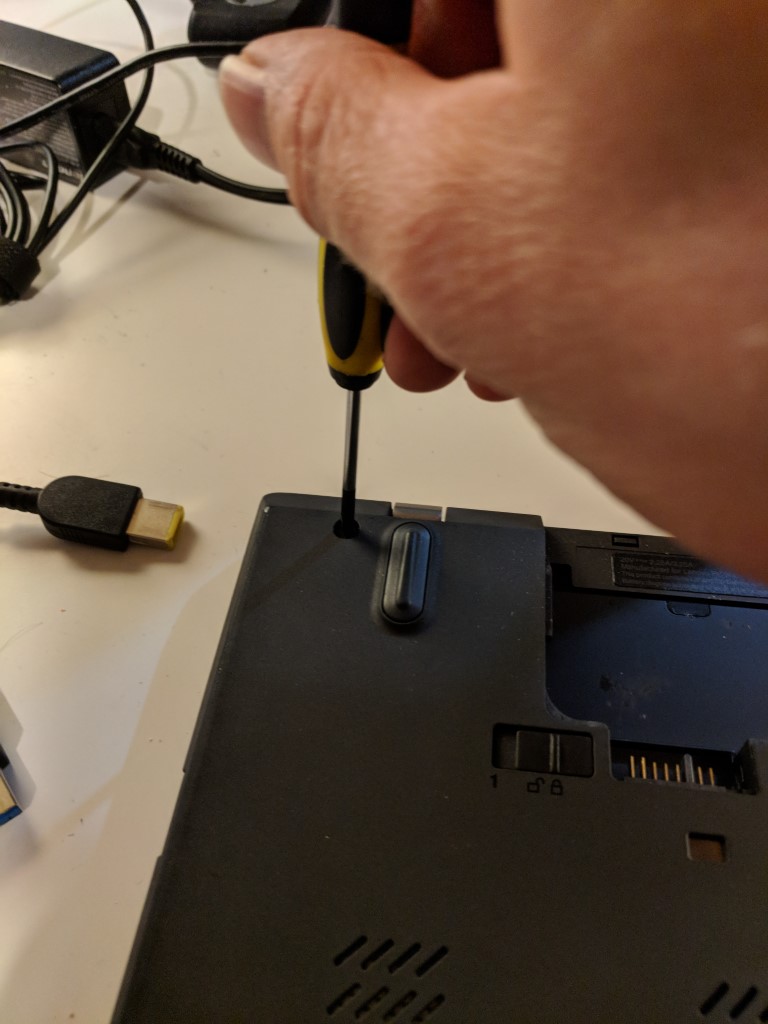
1. Disable the built-in battery
Page 64:
2. Remove the SIM card and SIM-card tray
3. Remove the battery

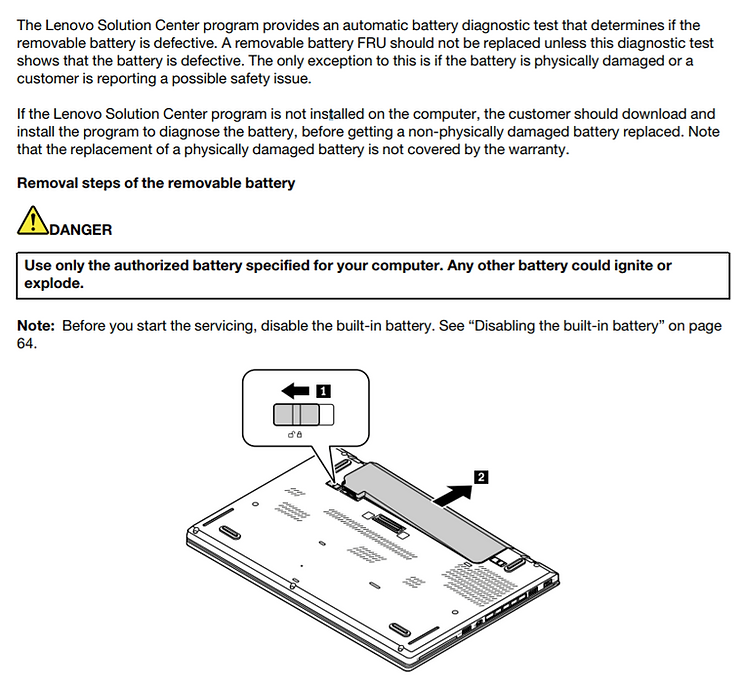
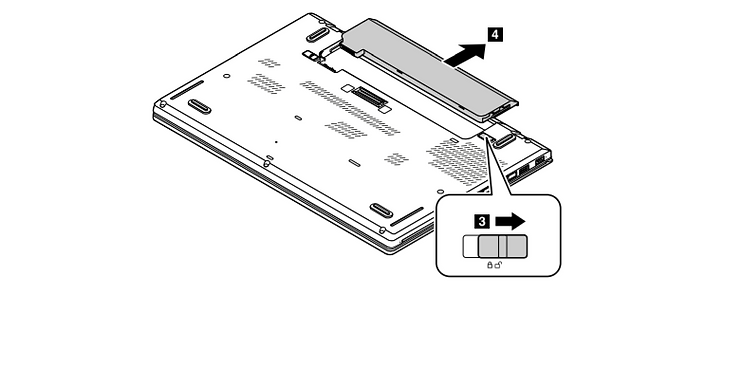
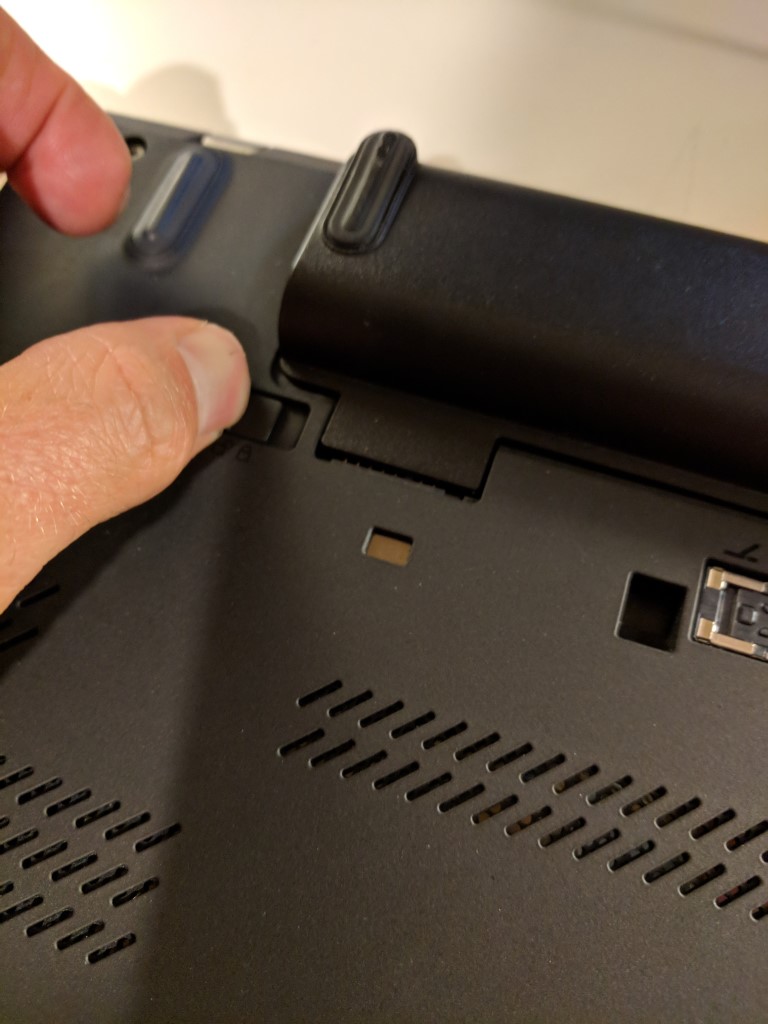
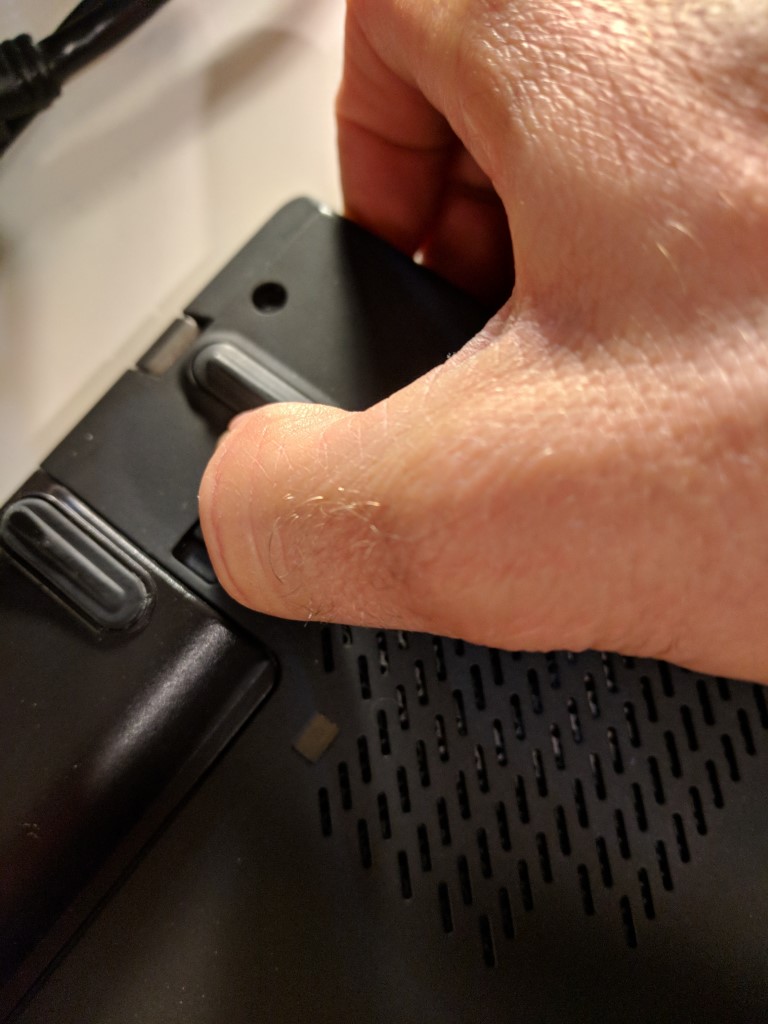
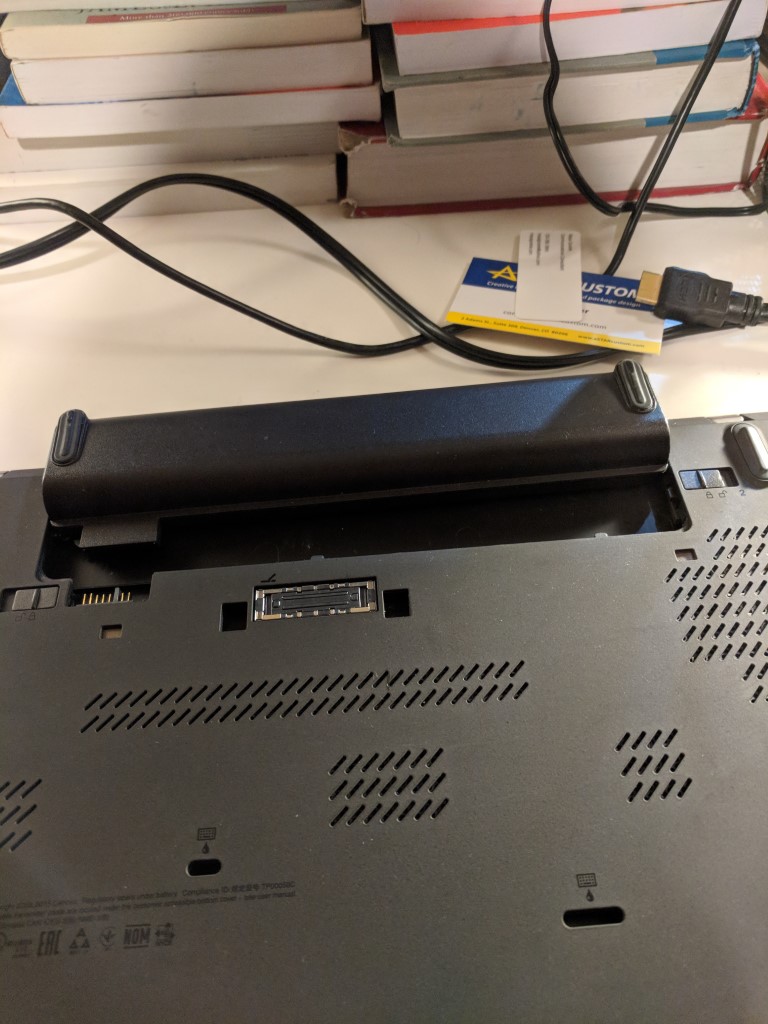
4. Remove base cover
Note: this was a little tricky. I wish I had iFixit Opening Tool available at [link].
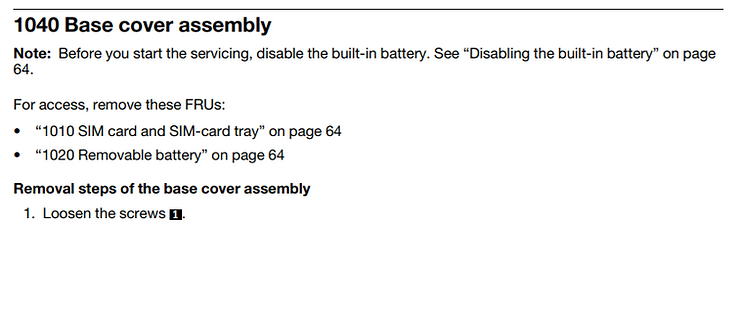
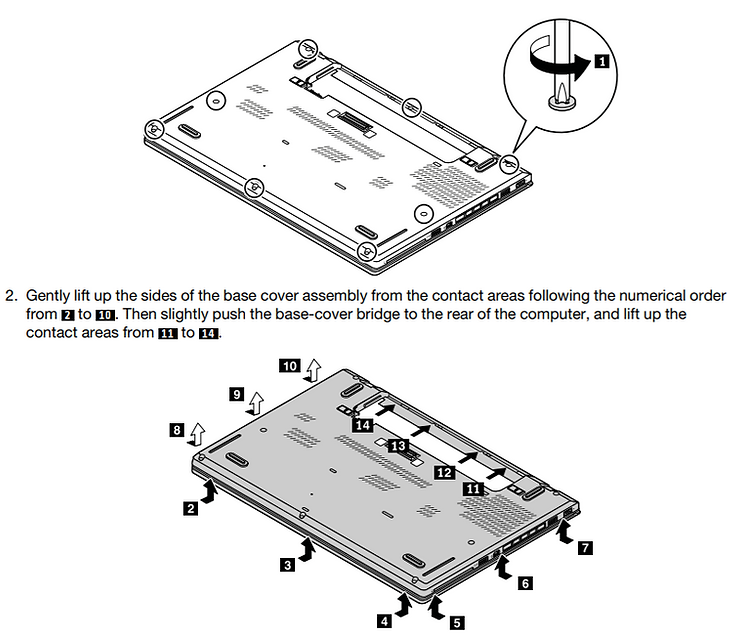
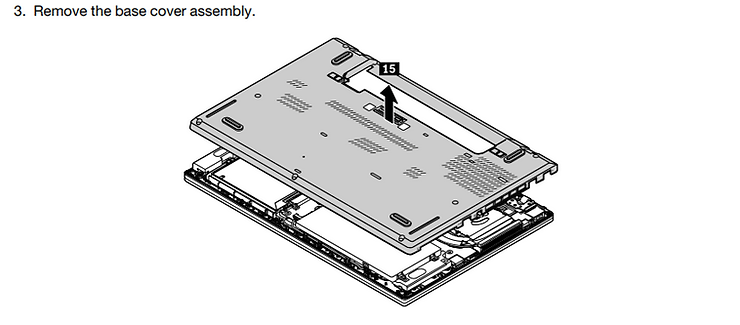
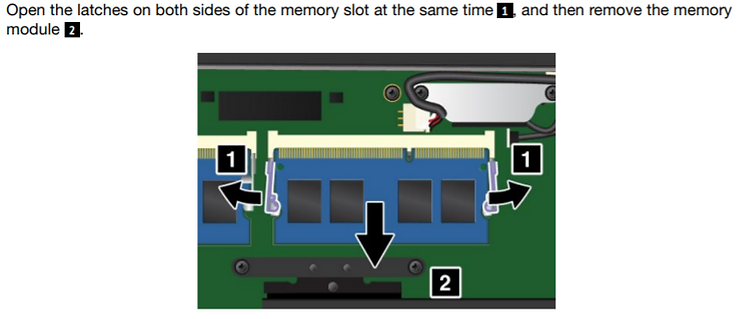
5. Remove the memory module
1060 Memory module
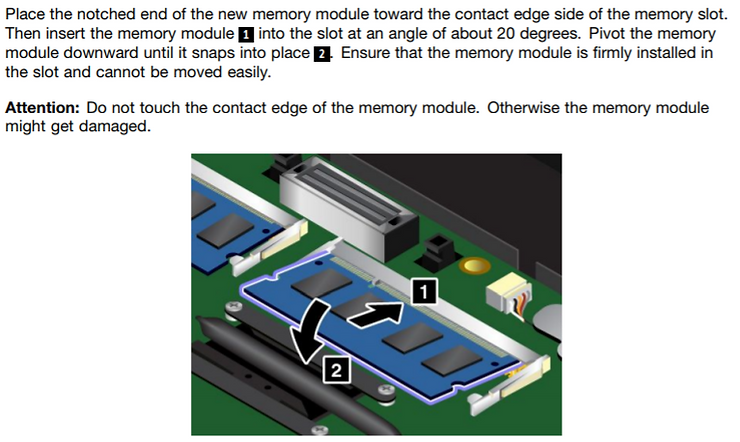
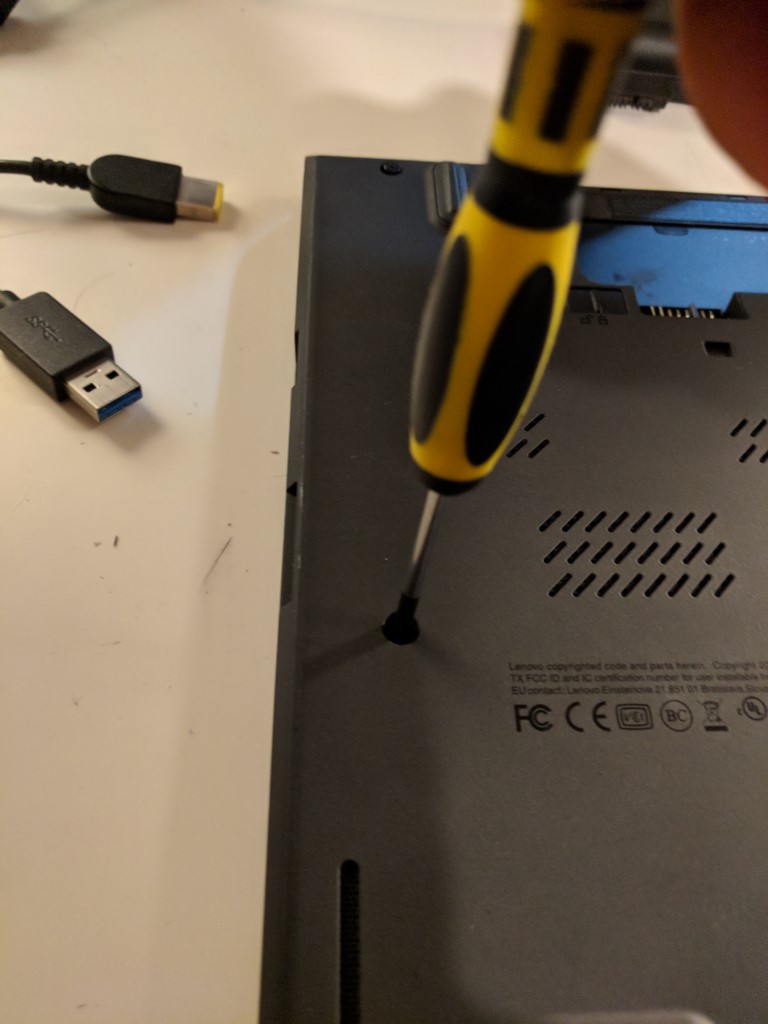
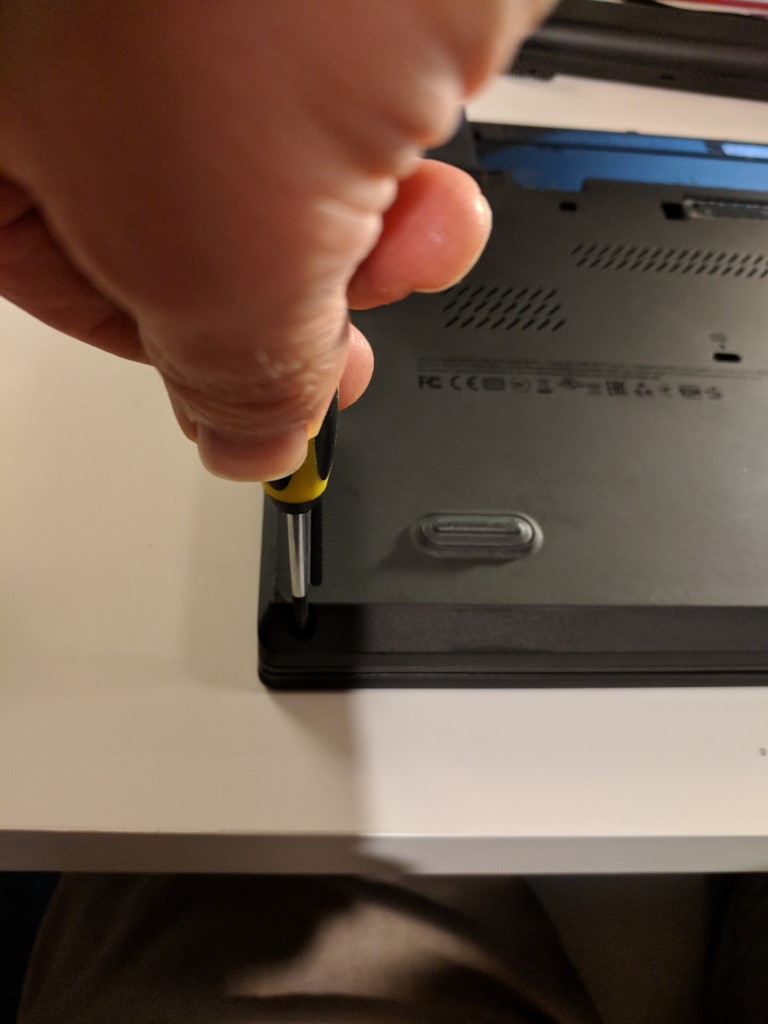
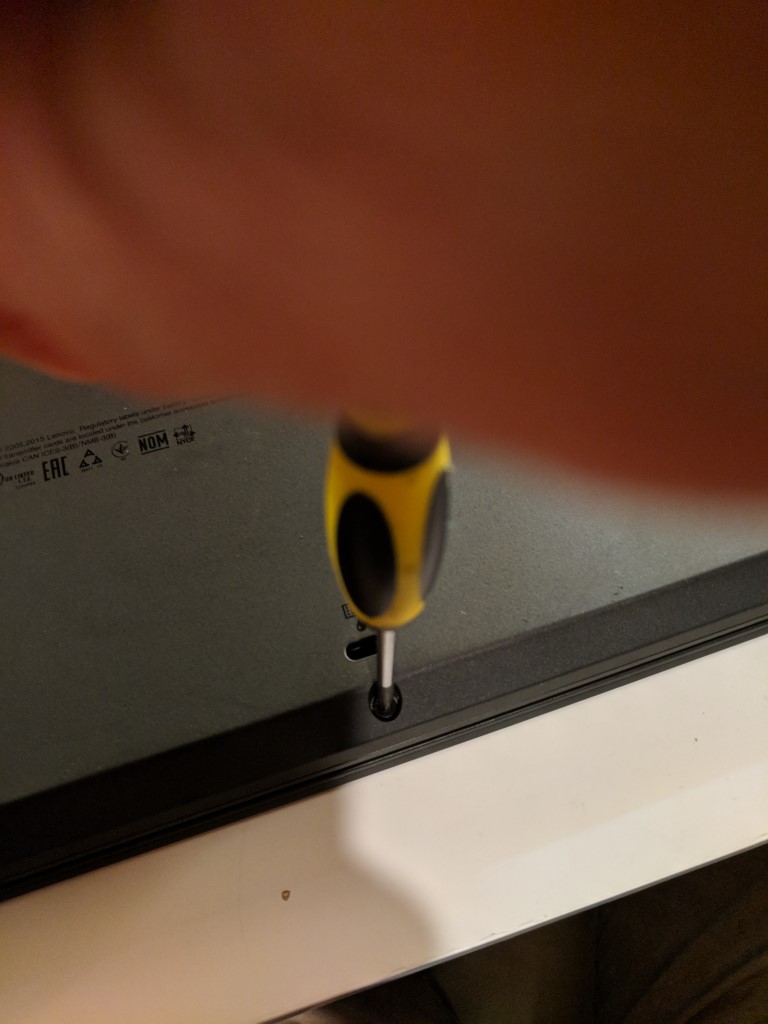
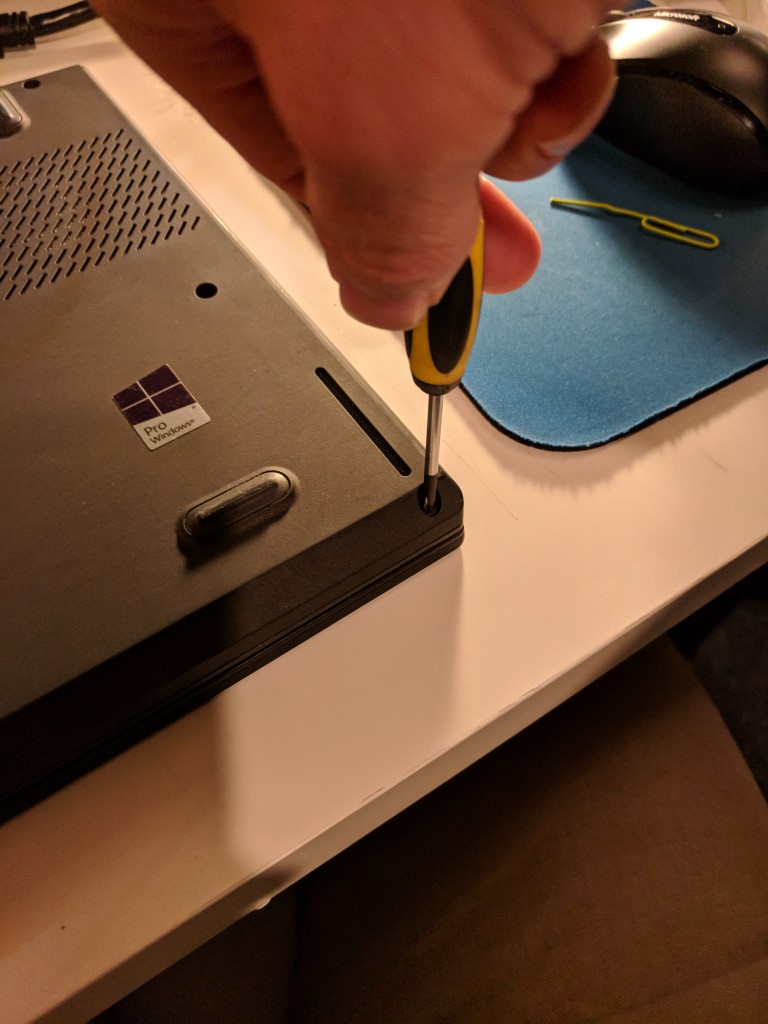
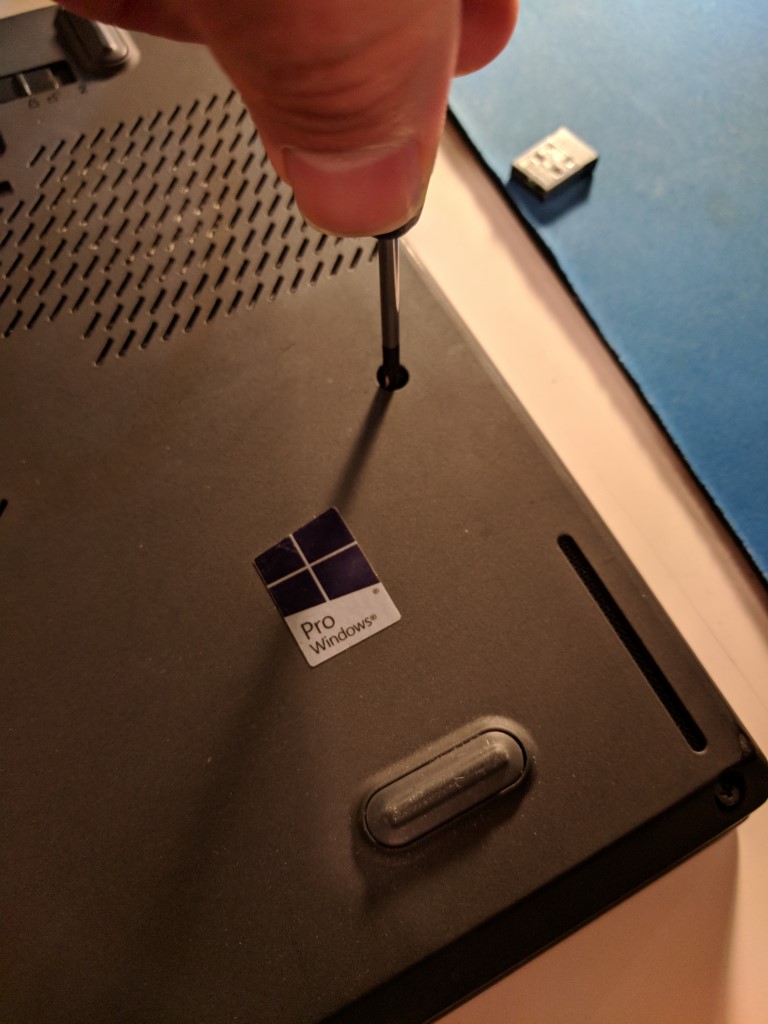
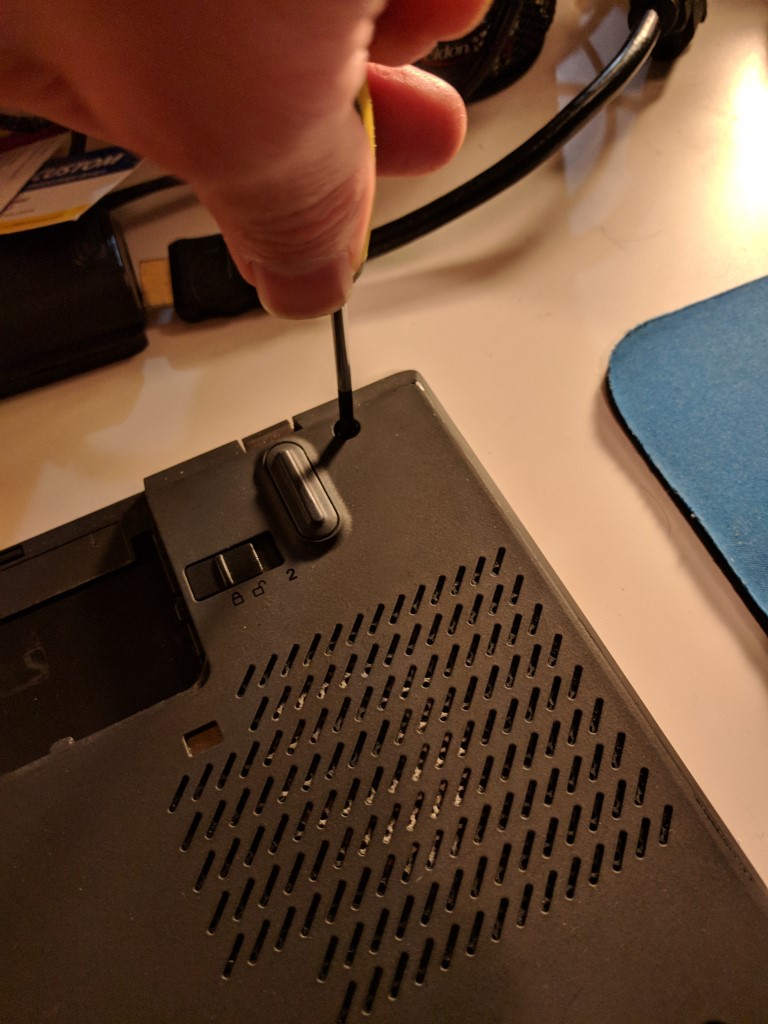
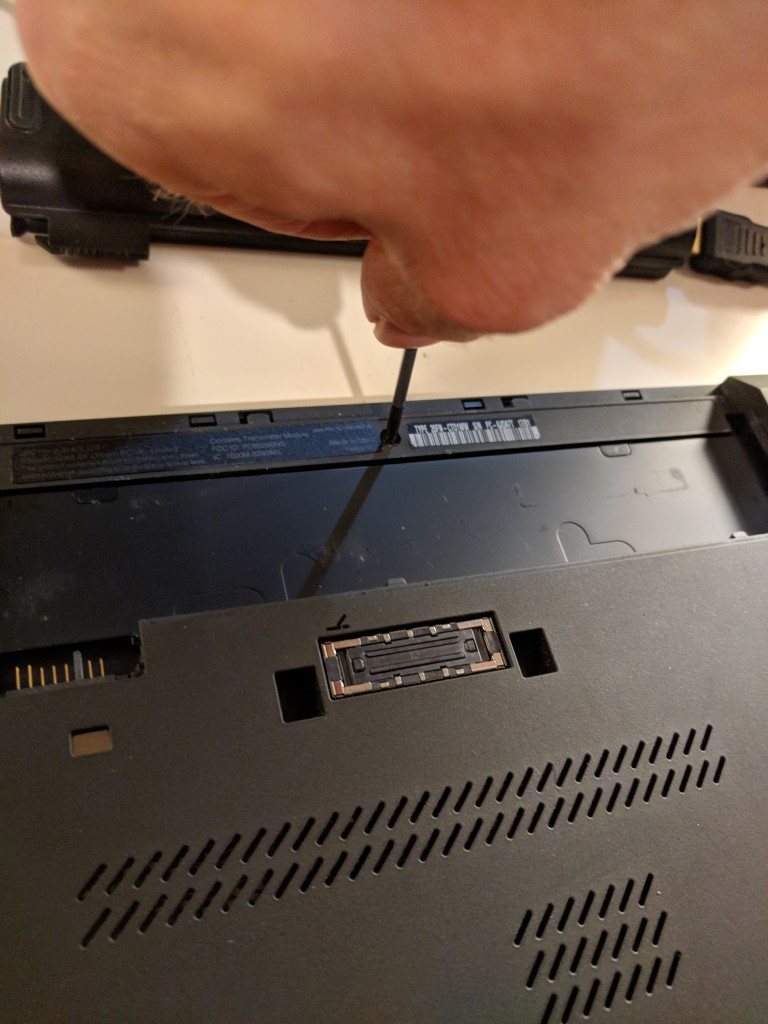
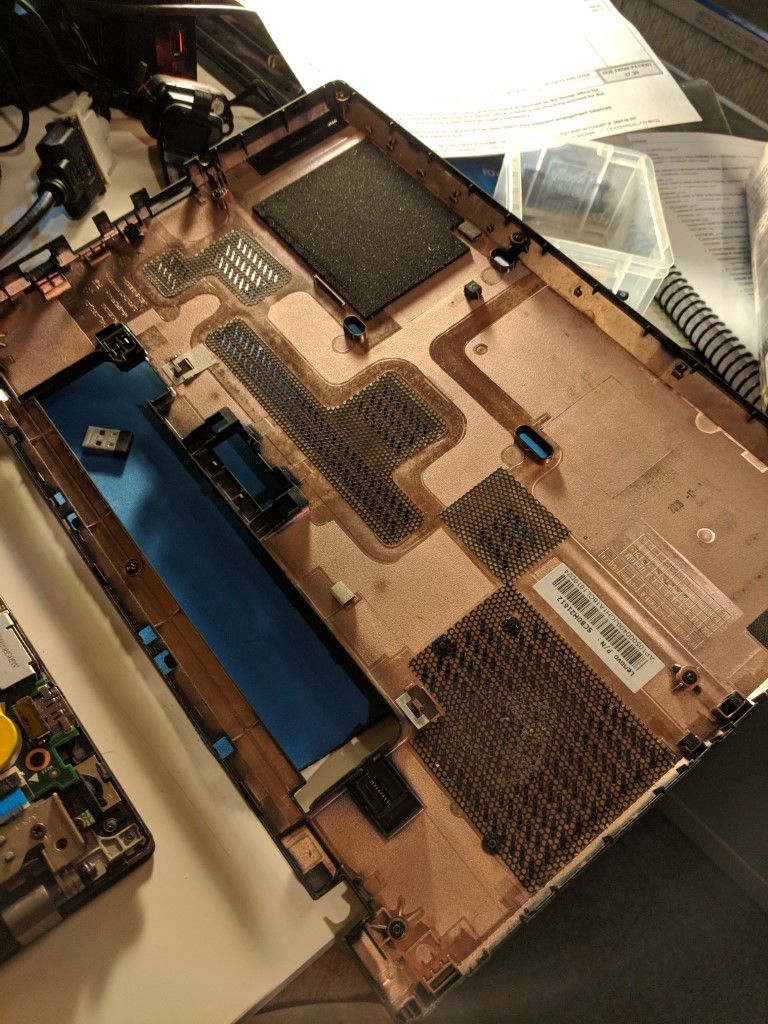
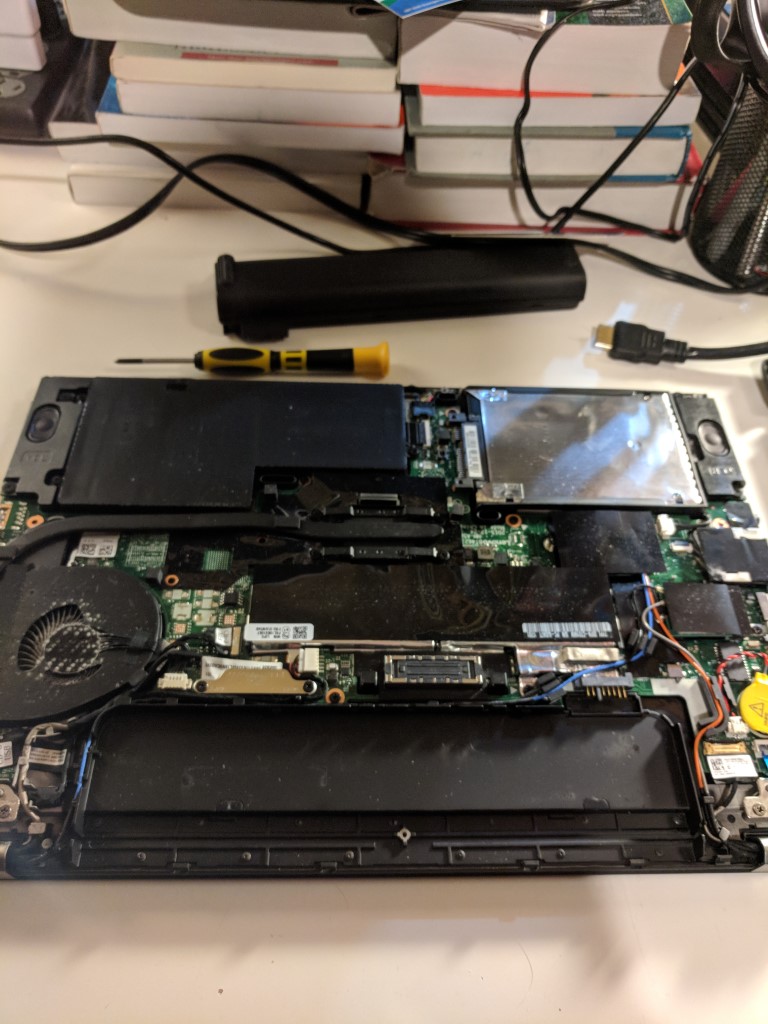
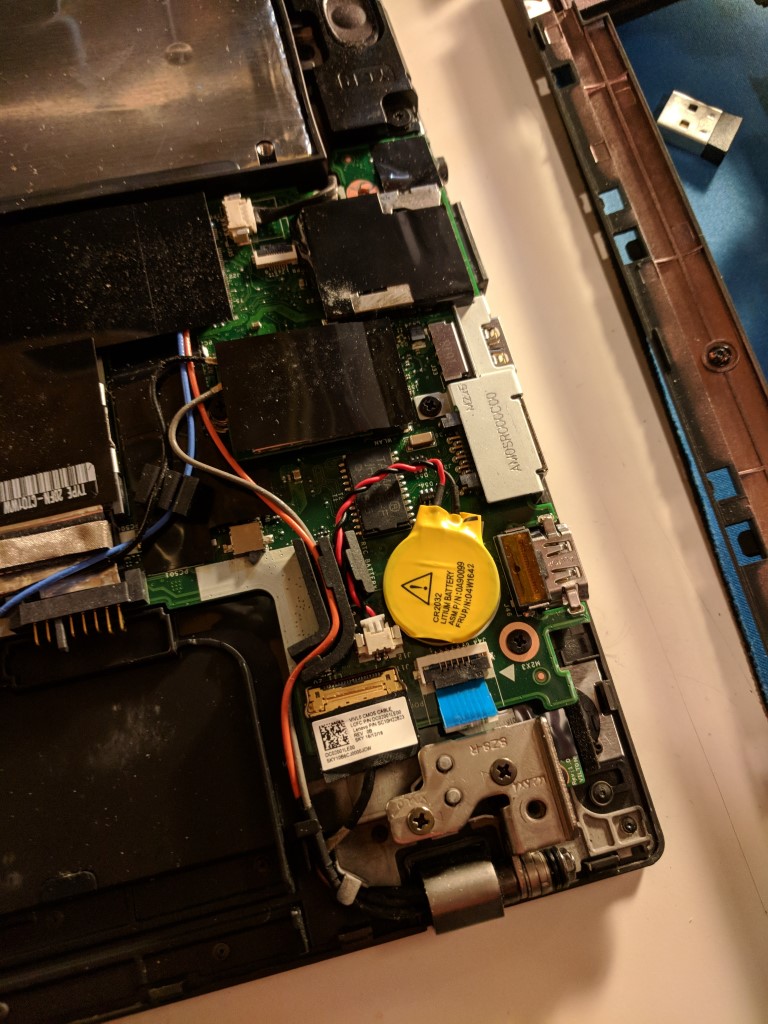
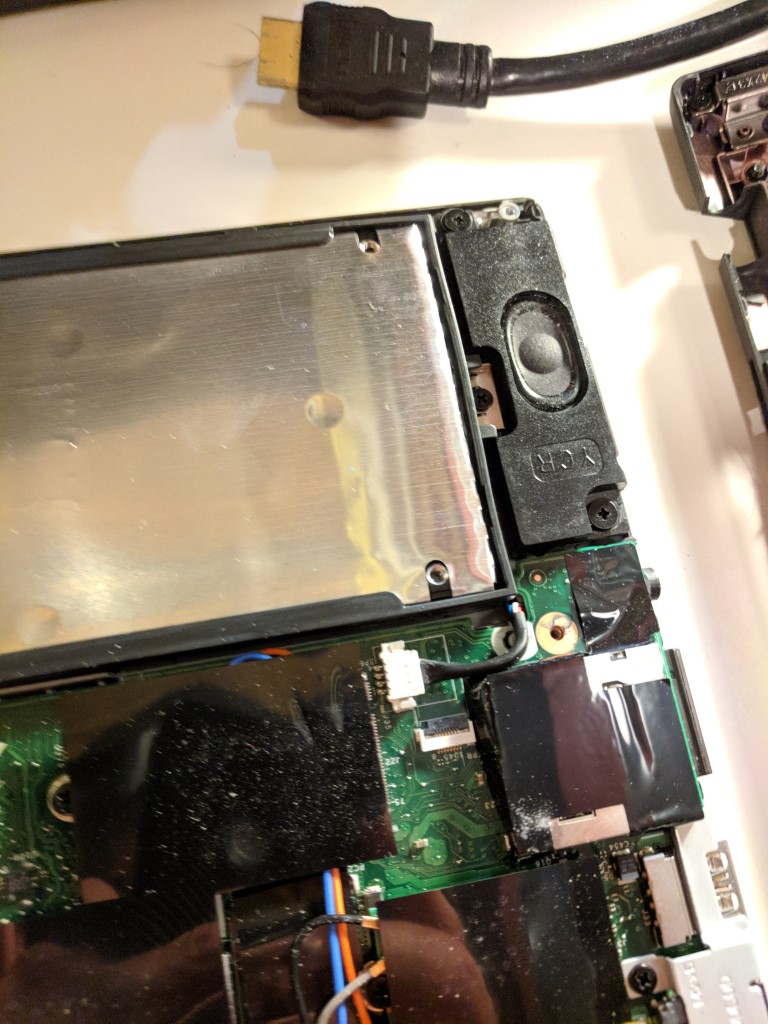
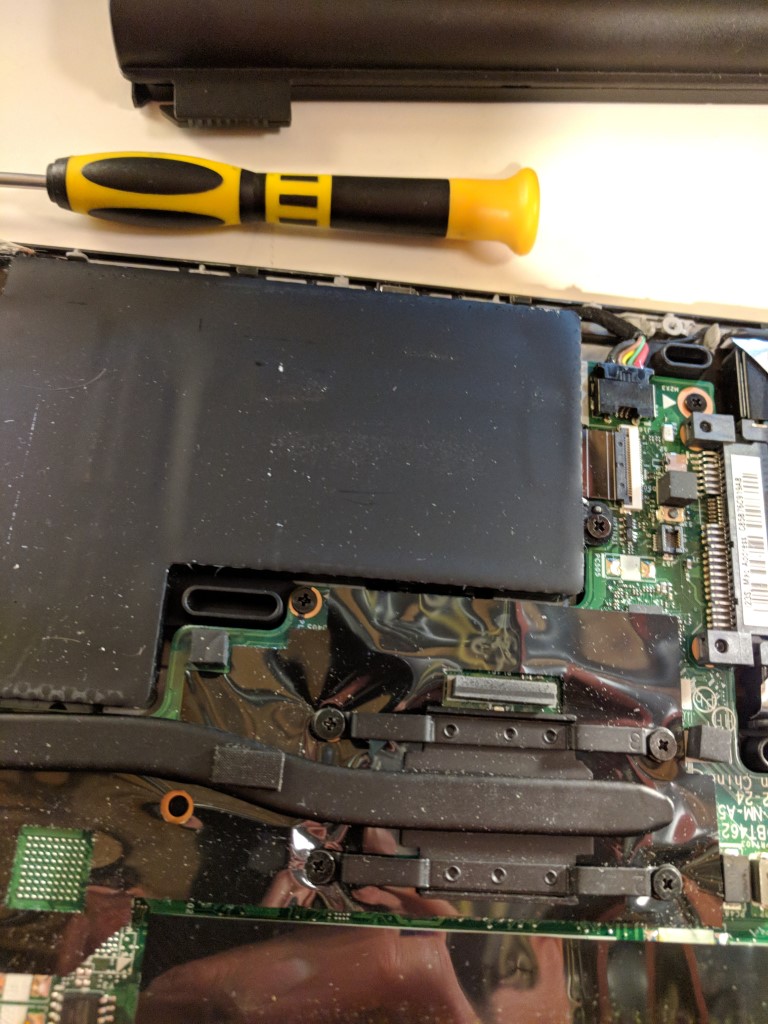
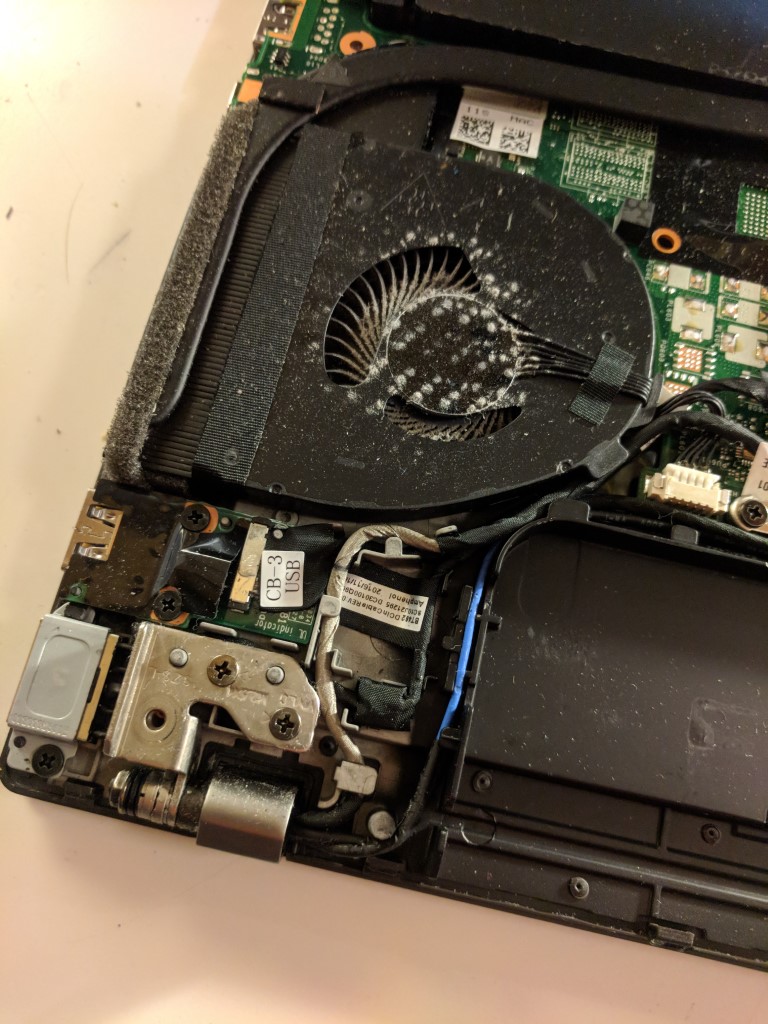
6. Install the new memory
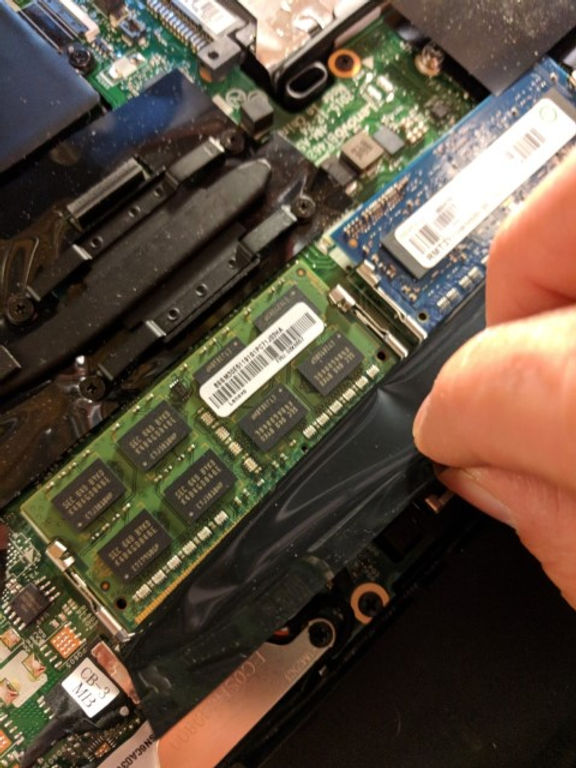
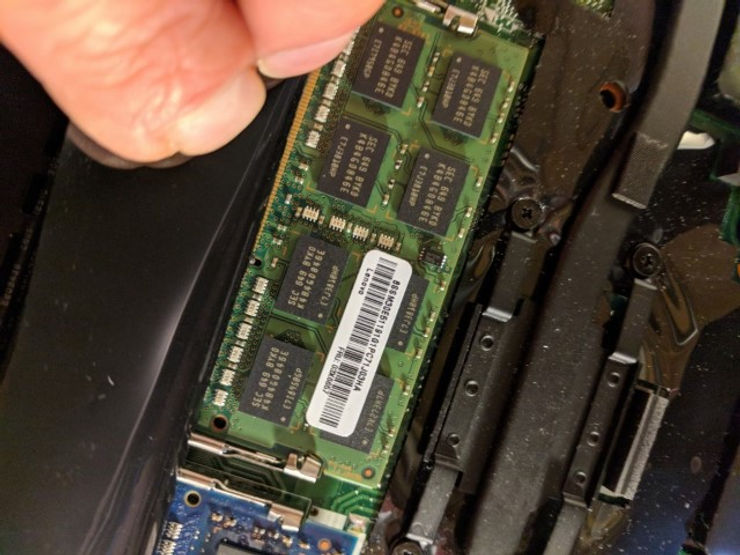
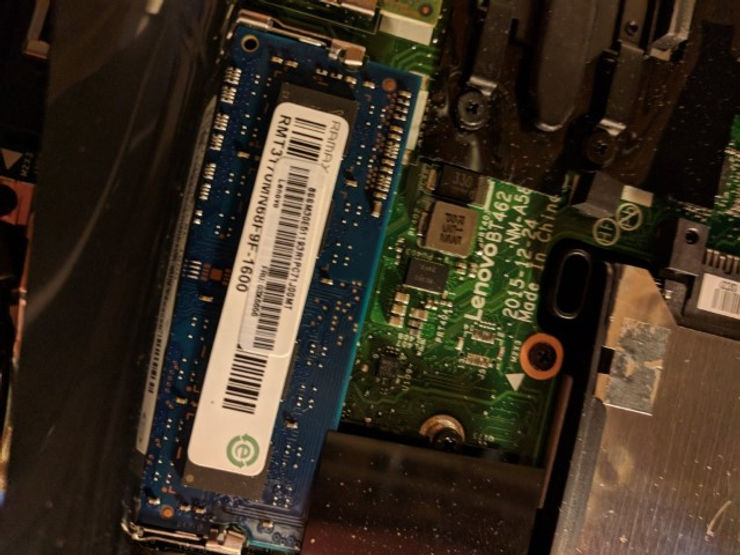
Memory markings on my T460
FRU: 03X6657 at [link] 8GB PC3-12800 DDR3L-1600 SODIMM (Green)
FRU: 03X6656 at [link] 4GB PC3-12800 DDR3L-1600 SODIMM
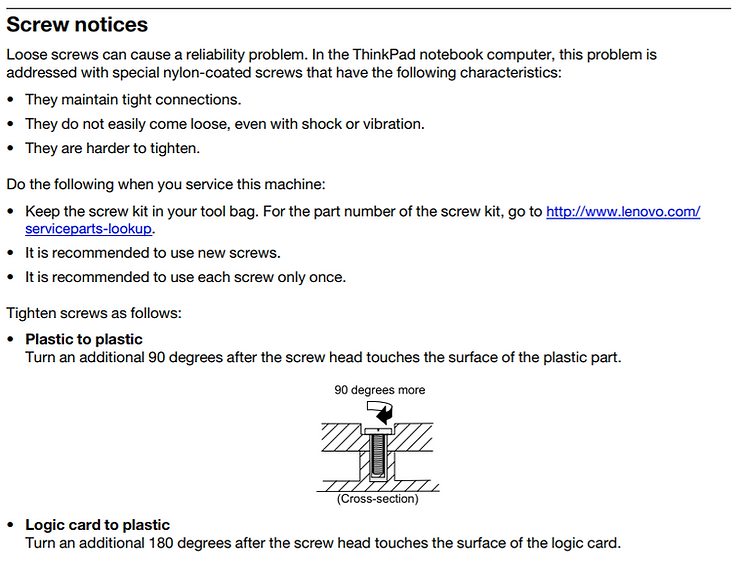
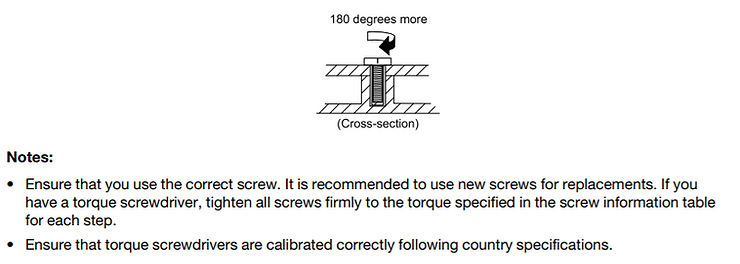
7. Review the screw notice
8. Attach the base cover (follow the steps from above in reverse)
9. Reinstall the battery (follow the steps from above in reverse)
10. Enable the built-in battery (follow the steps from above but enable the built in battery)
References
ThinkPad T460 Hardware Maintenance Manual at [link]
ThinkPad graphic if from a screen shot of the first page of the ThinkPad T460 Hardware Maintenance Manual at [link]