

Try Out Senet’s LoRaWAN: Step 1 Create an Account

This post lists the links and steps to create and login to Senet to try out your device on a LoRaWAN.
Steps to Create a New Account and Log In
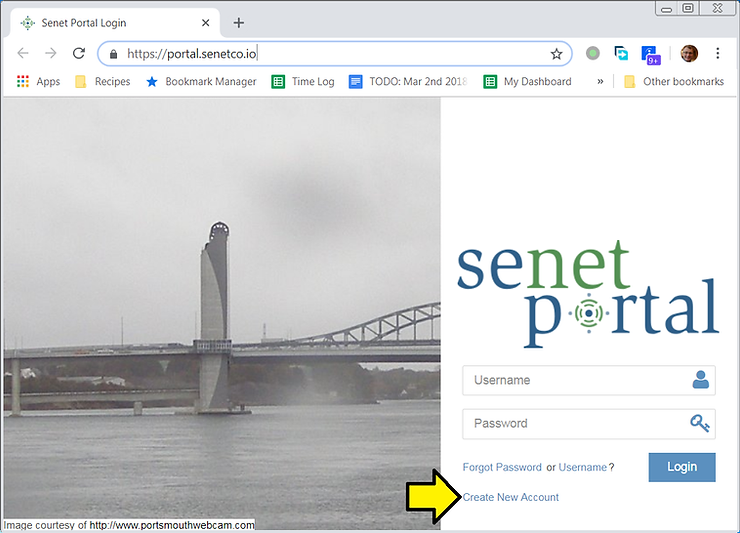
1. Go to [link] and click Create New Account
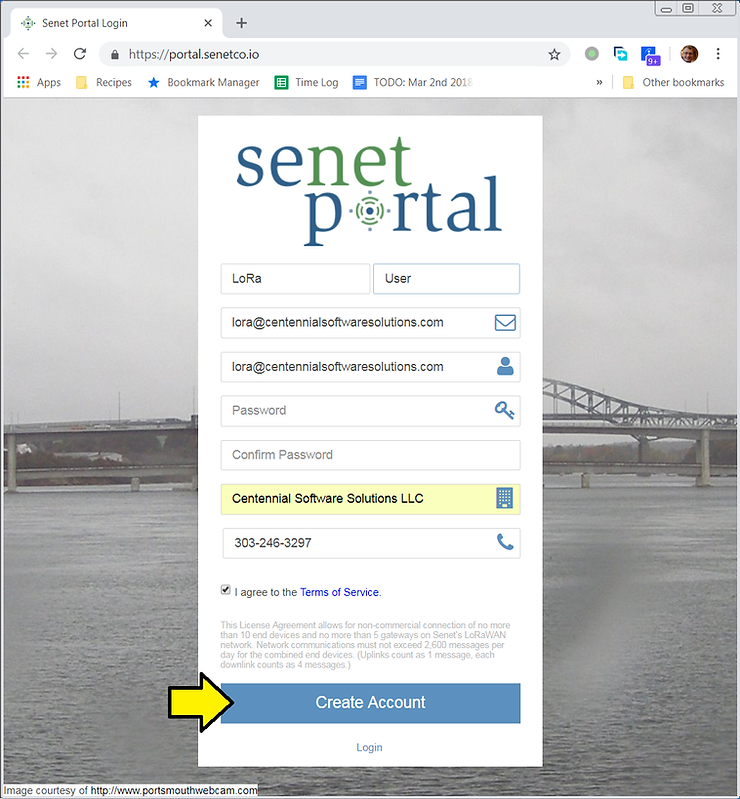
2. Fill in your details and click the Create Account button
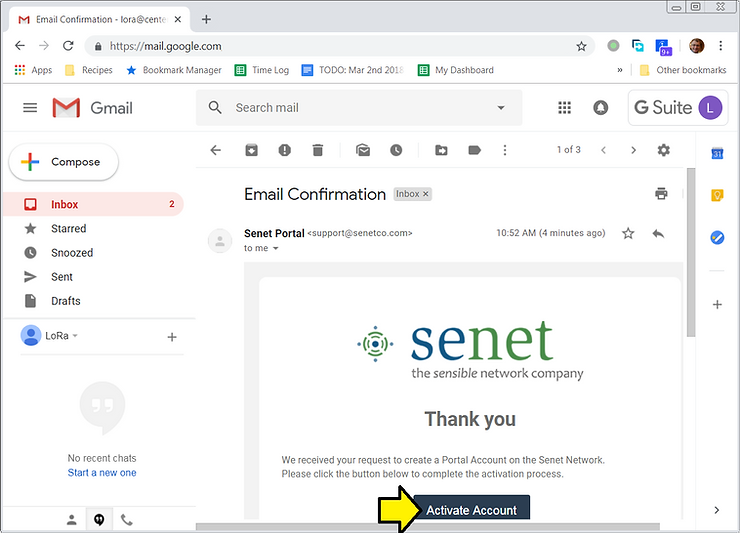
3. An email will be sent to you, click the Activate Account link
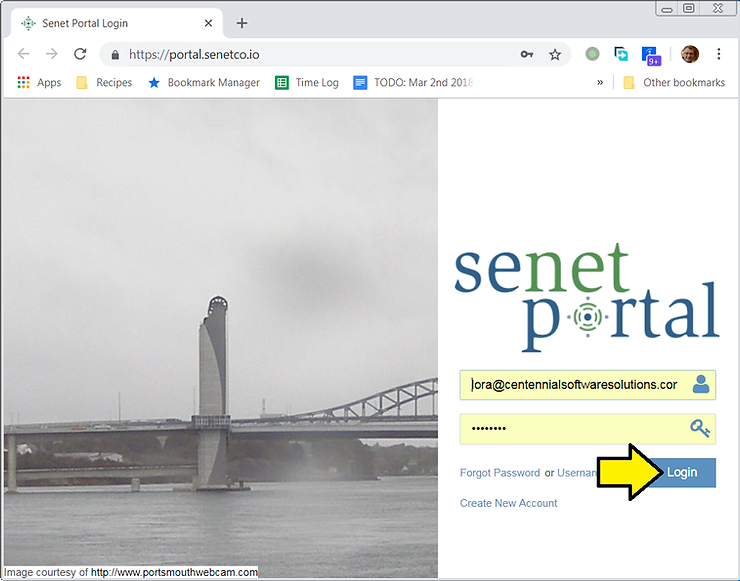
4. This will take you back to [link]. Login.
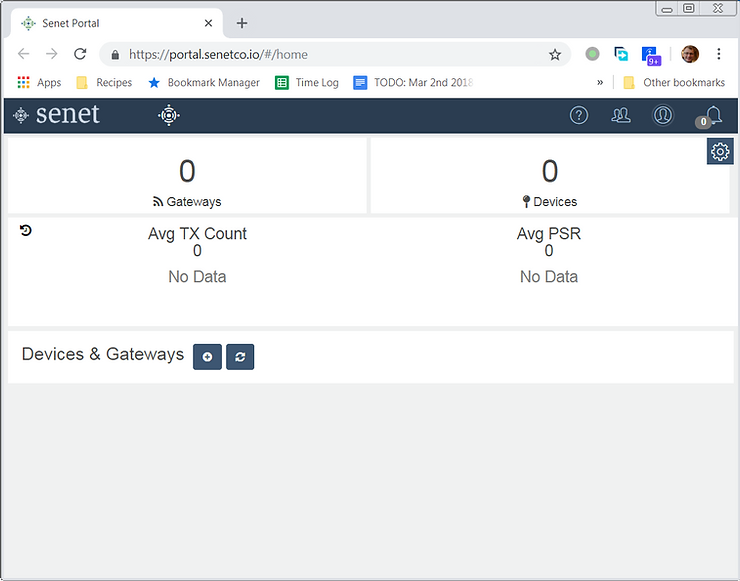
5. You’ll see a dashboard:
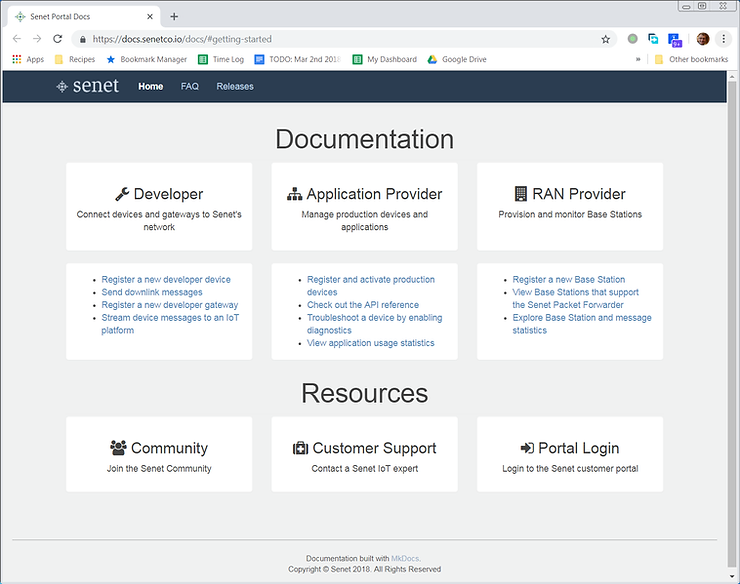
… and a Getting Started Documentation page at [link]
Reference
Senet logo from [link].
