

All Guppy Setup Steps: Device, MessageQ, AWS, API Access
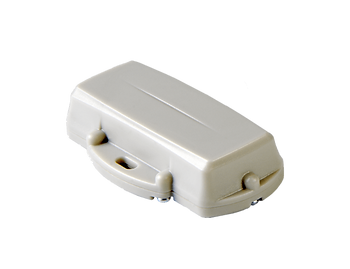
This post lists all the steps to bring up a Guppy LoRaWAN sensor.
Set Up the Guppy
1. Setup a Digital Matter LoRaWAN Guppy Orientation Reference at [link]
2. Install and Run the Guppy LoRaWAN Configuration Tool at [link]
Set Up the MachineQ Gateway
1. MachineQ Gateway Setup at [link]
2. Add the Guppy to the MachineQ Gateway and run some initial tests using [link] - see [link] for Guppy LoRaWAN Configuration Tool documentation
Register with AWS IoT Core and Connect the MessageQ Gateway
1. Follow [link]